Firmware Update Procedure, HPA
MNC-0500-014 4 of 6 Revision B
Updating HPA Firmware
Use this procedure to update the HPA Firmware.
1 Connect the Com1 serial port to the RS-232 connector of the HPA
control cable.
2. Set the programming switch on the control cable to the “program”
position.
3. Place the firmware executable file and the coldloader.bin, pilot.bin,
and flash.ini files in a common directory.
4. Start the Rfu.exe application.
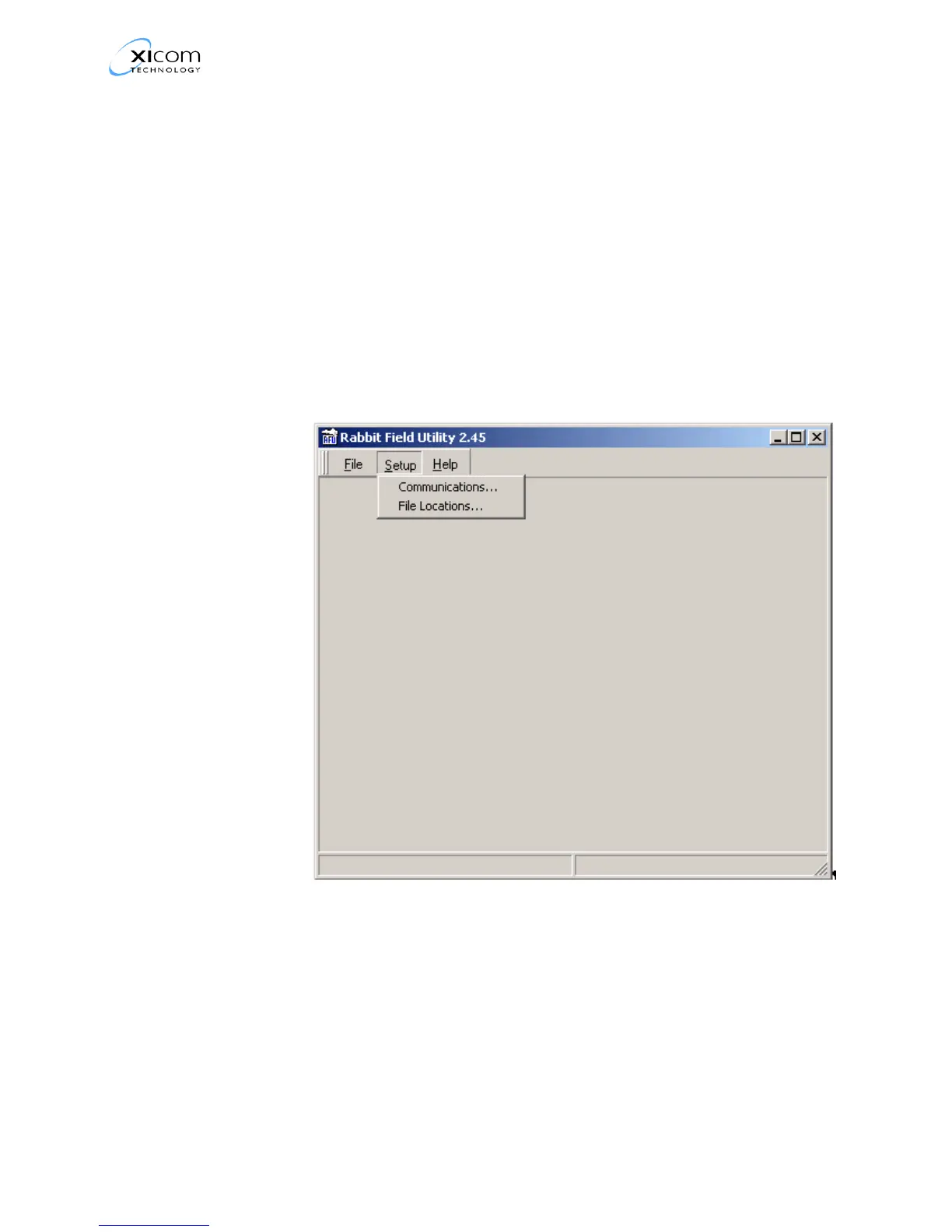
5. Refer to Figure 1. Under the Setup menu item select File
Locations.
Figure 1, Select File Locations
EAR EXPORT CONTROLLED: The information contained in this Manual refers or relates to a product that is subject
to the U.S. Export Administration Regulations (EAR). Transfer of data herein by any means to a Foreign Person,
whether in the U.S. or abroad, may require an export license from the U.S. Department of Commerce.



 To Next Page