Caution! Format the micro SD card before first use.
Doing this, however, will remove all data from the card.
Make sure to back up any data before formatting.
11
(1) The camera supports a Class 10 microSD with at
least 4GB capacity for recording.
(2)Do not connect or remove the microSD during
operation, this will damage both card and camera.
(3) Do not force the microSD into the microSD slot, this
will damage both card and camera. It only goes in one
way.
(4)Ensure that the microSD clicks into place when
inserting it. To remove the microSD, slightly pull it out
from the slot.
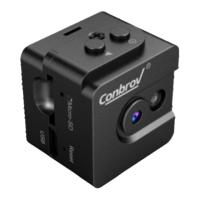
Before Using Your Conbrov WF98 Camera
REC/RESET
WIFI
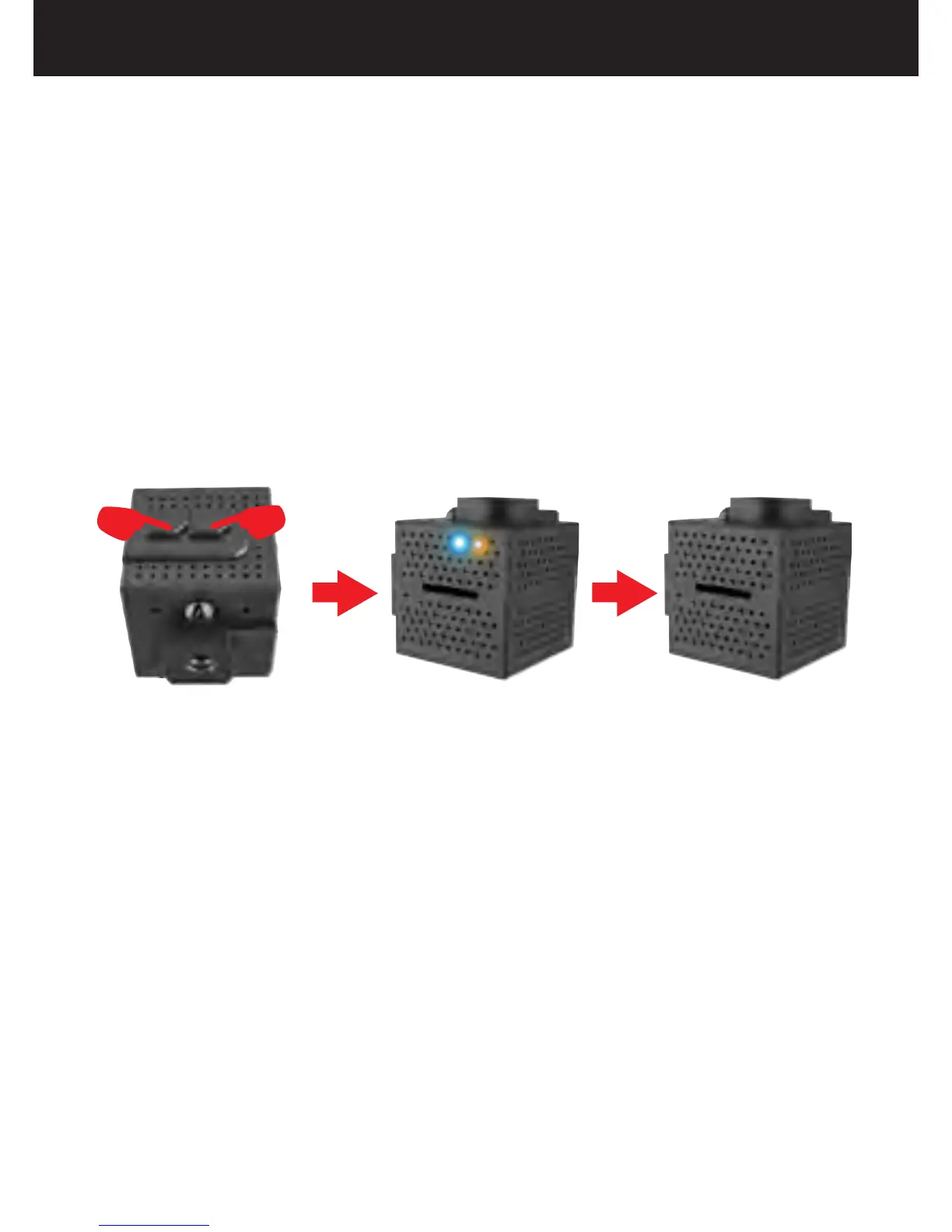
3.Format the SD Card
Turn on the camera, press and hold the Button and
Button at the same time, the LED will flash
blue and yellow, which indicates the SD card is being
formatted; when the LED turns off, it indicates that the
formatting of the SD card has been completed.
WiFi
REC/RESET


 To Next Page