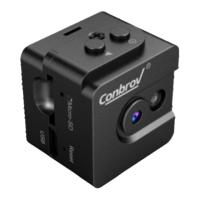
Set up Your WF98 Camera
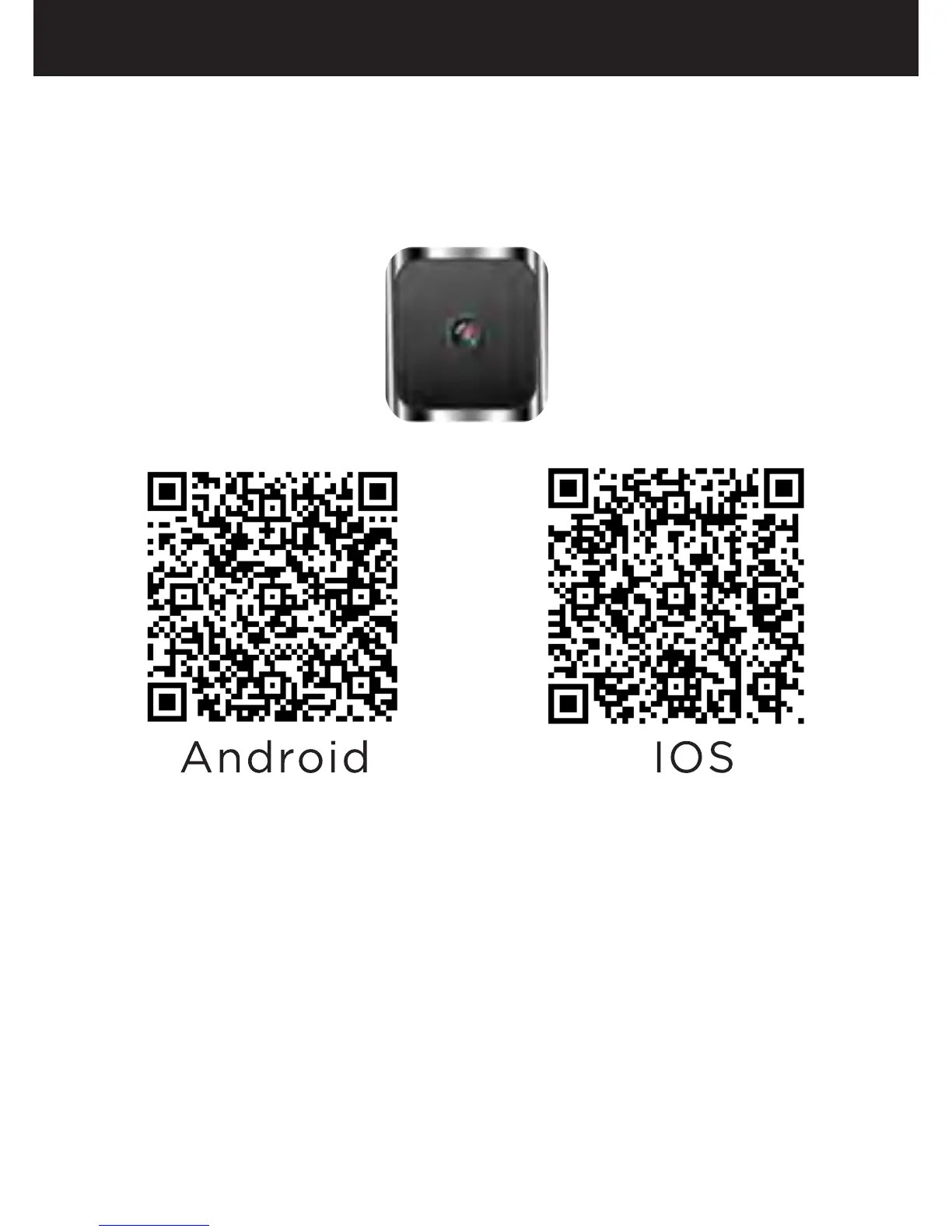
Step 1:APP Download
Please search in Google Play or APP store for
“Mini WiFi cam”, you can also download directly
by scanning the QR code, which are something
as below.
Mini WiFi Cam
Step 2 : Connect the Camera to Your Phone
-Slide the switch down to turn on the camera, the
LED will light up blue and then turn off, then the
LED will flash yellow slowly, which indicates that
it is in Wifi connection standby mode.
- Change your phone's WiFi connection to “
RCAM-XXXXXX-XXXXX”(XXXXXX are digits of
letters and numbers)
- Connect your phone to the WiFi Cam's WiFi
hotpot.
15


 To Next Page