How to Use Your Conbrov WF98 Camera
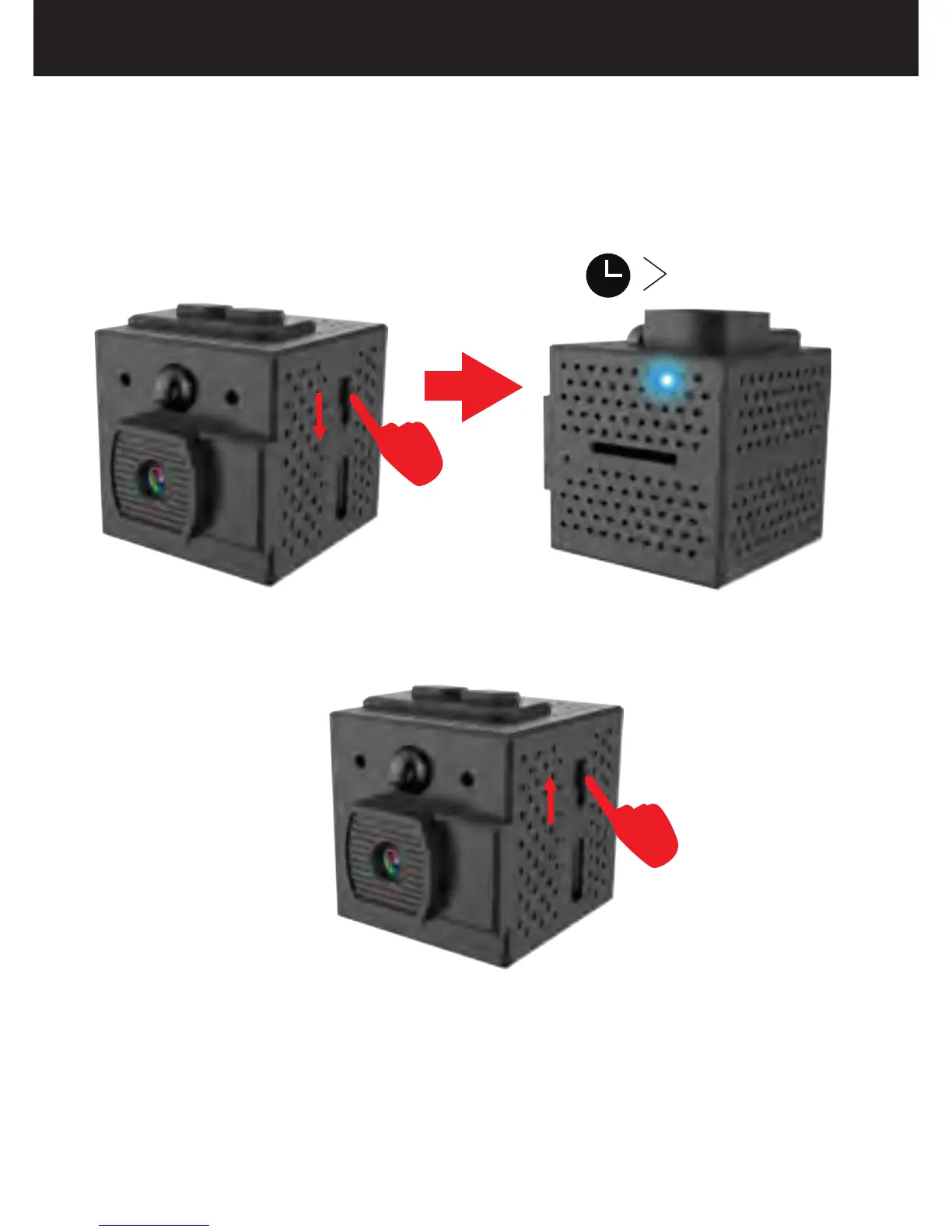
1.Turning the Camera on/off
(2) Slide the switch up to turn off the camera, the LED
will turn off.
(1) Slide the switch down to turn on the camera, the
LED will light up blue for 15 seconds and then turn off,
then the LED will light up blue again, which indicates
that the camera is in the standby mode.
12
Note: If the camera turns off automatically, it
indicates that the battery power is too low
and the camera must be charged.
15S
ON OFF
ON OFF


 To Next Page