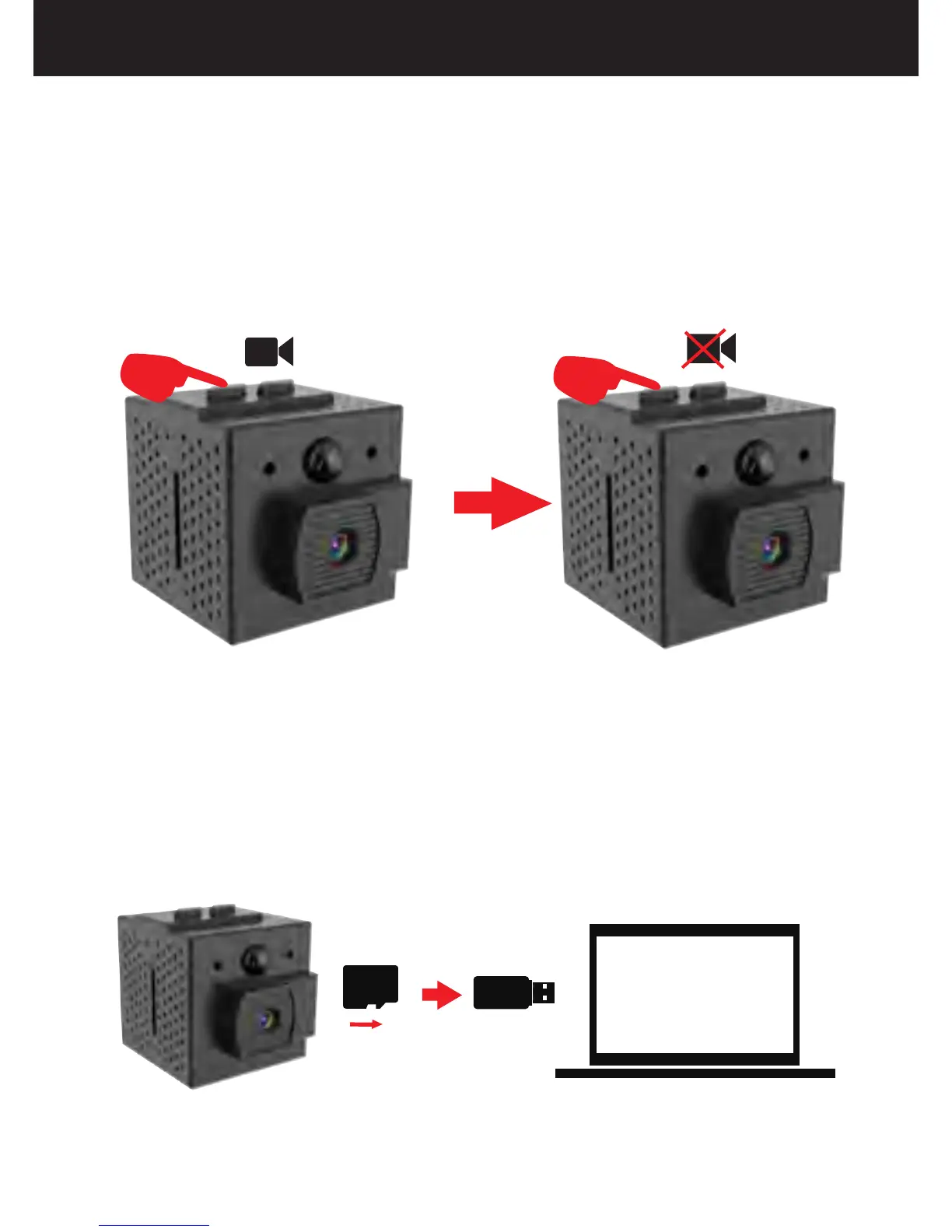
2.Record Videos Manually
In standby mode, press the button,
the LED will flash blue for 3 time and then turn
off, which indicates that it is in the manual
recording mode. Press the Button
again to stop recording, the video clips will be
saved in the SD card.
REC/RESET
REC/RESET
13
How to Use Your Conbrov WF98 Camera
3.Play the Video
Slide the switch up to turn off the camera, take
out the microSD card and insert it into the card
reader (included), then connect the card reader
to computer, and then you'll see the video files.
USB2.0


 To Next Page