14
4.About Night Vision
Whether under manual recording or motion
detection, the camera will automatically switch
into night vision when ambient light brightness
is lower than 10LUX, and the video is black and
white.
How to Use Your Conbrov WF98 Camera
Other Tips
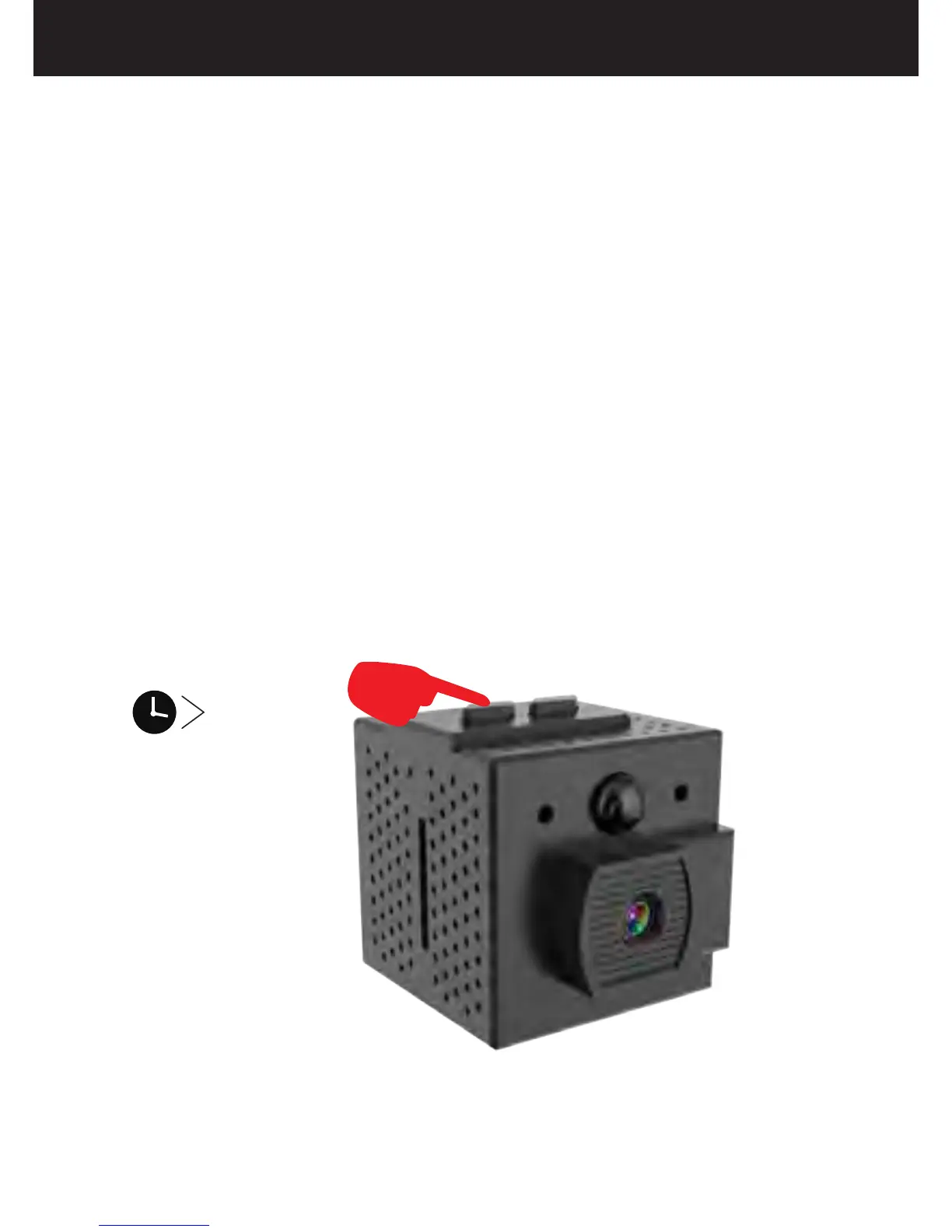
How to Reset the Camera
If the camera malfunctions for any reason,
reset it by pressing and holding the REC/RESET
Button for 5 seconds to default factory settings.
5S


 To Next Page