IP CAMERA QUICK START GUIDE
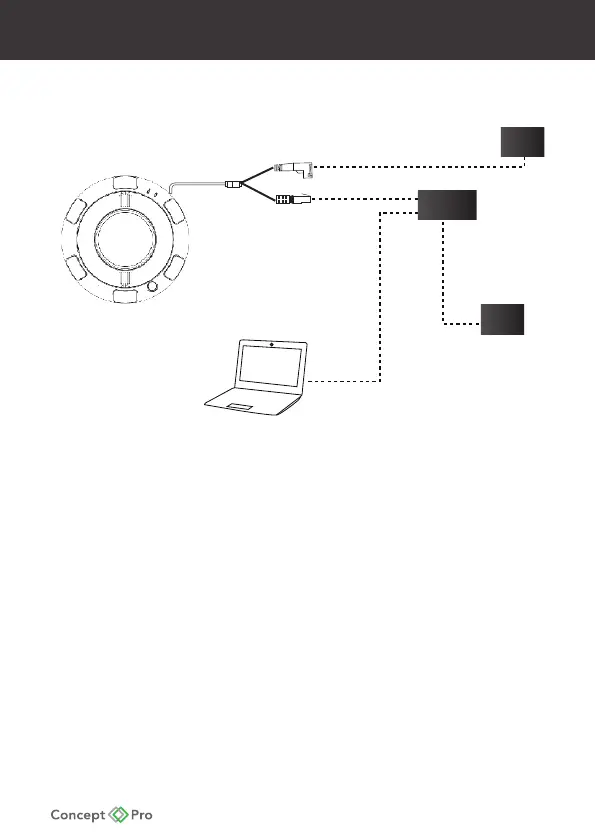
CONNECTION
PSU
Power connector
Network Cable (RJ45)
SWITCH
MODEM
• Check the power supply is the correct level and connect your
power supply into the power port on the camera
• Connect the RJ45 connector to your network switch. If you are using
PoE Switch (Power over Ethernet) Please Remove the power supply
to the camera, as this is not required.
• View the image on your monitoring device to check the power and
video connection is working properly.










 To Next Page