50 - ConceptD Palette
Manage the copied items in Clipboard
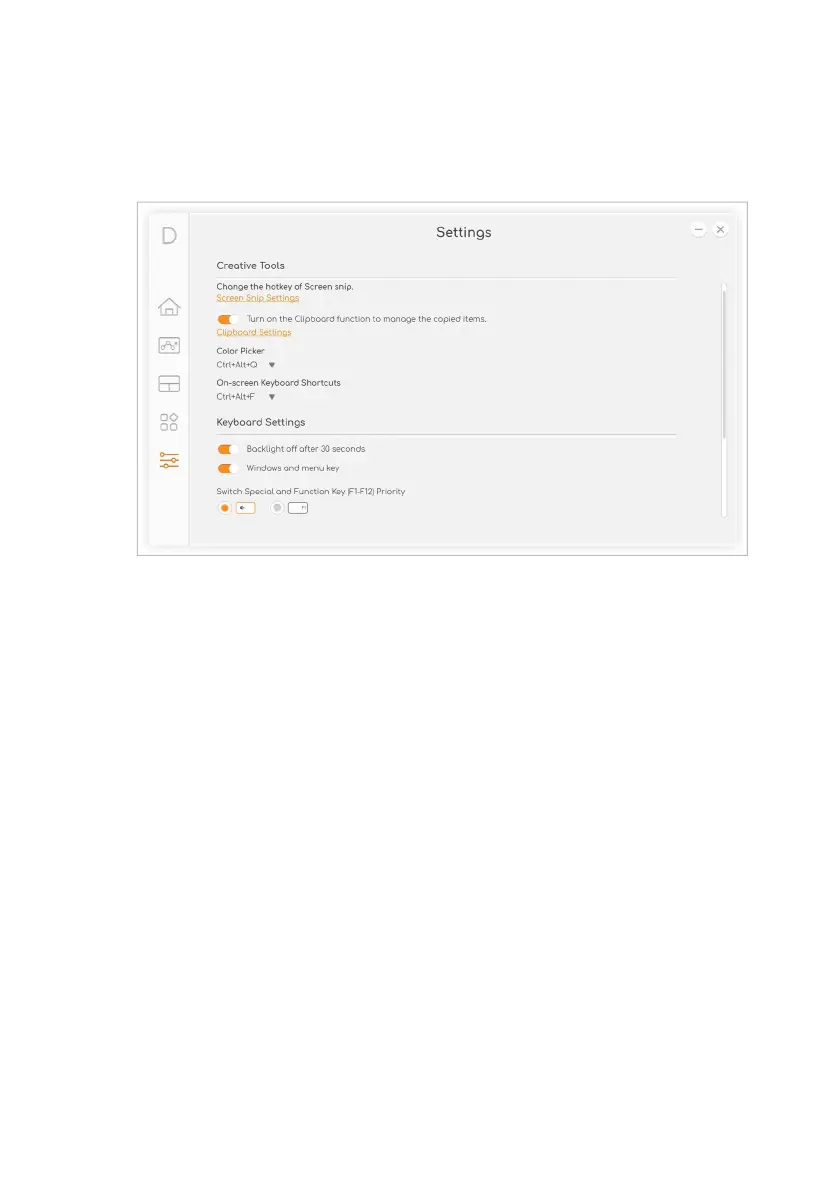
Before you start to view the clipboard history, enable the option Turn
on the Clipboard function to manage the copied items.
Press Windows key + V to view the clipboard history. You can find all
items, text, or images you copied and click the item you want to paste.



 To Next Page