Conceptronic C54BRS4A User Manual
15
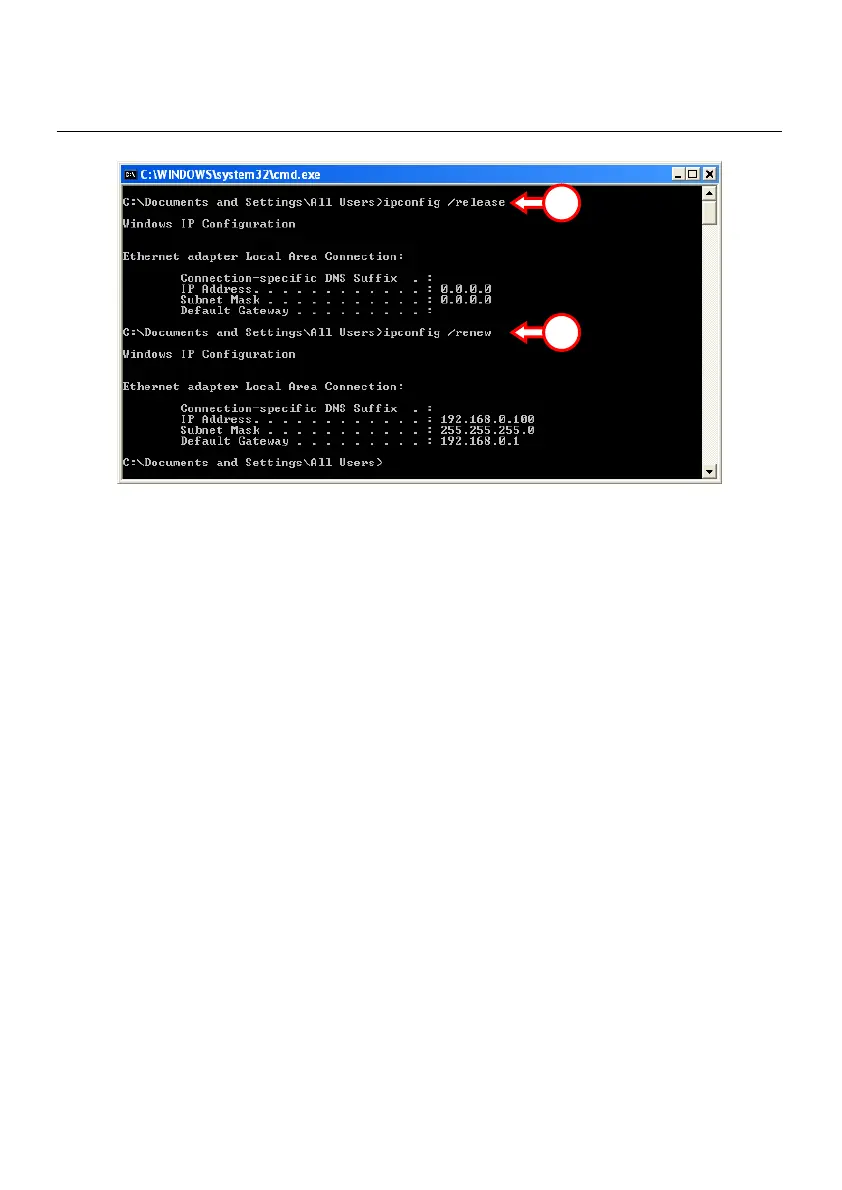
If above steps do not solve the IP address problem, you can reset the device to the factory default
settings with the Reset Button on the back of the device.
Press and hold the Reset Button for +/- 15 seconds to load the Factory Default Settings. When the
Status LED is active again, repeat step C to renew your IP address.
3
3



 To Next Page