Conceptronic C54BRS4A User Manual
55
Menu „Tools”
TOOLS - ADMIN
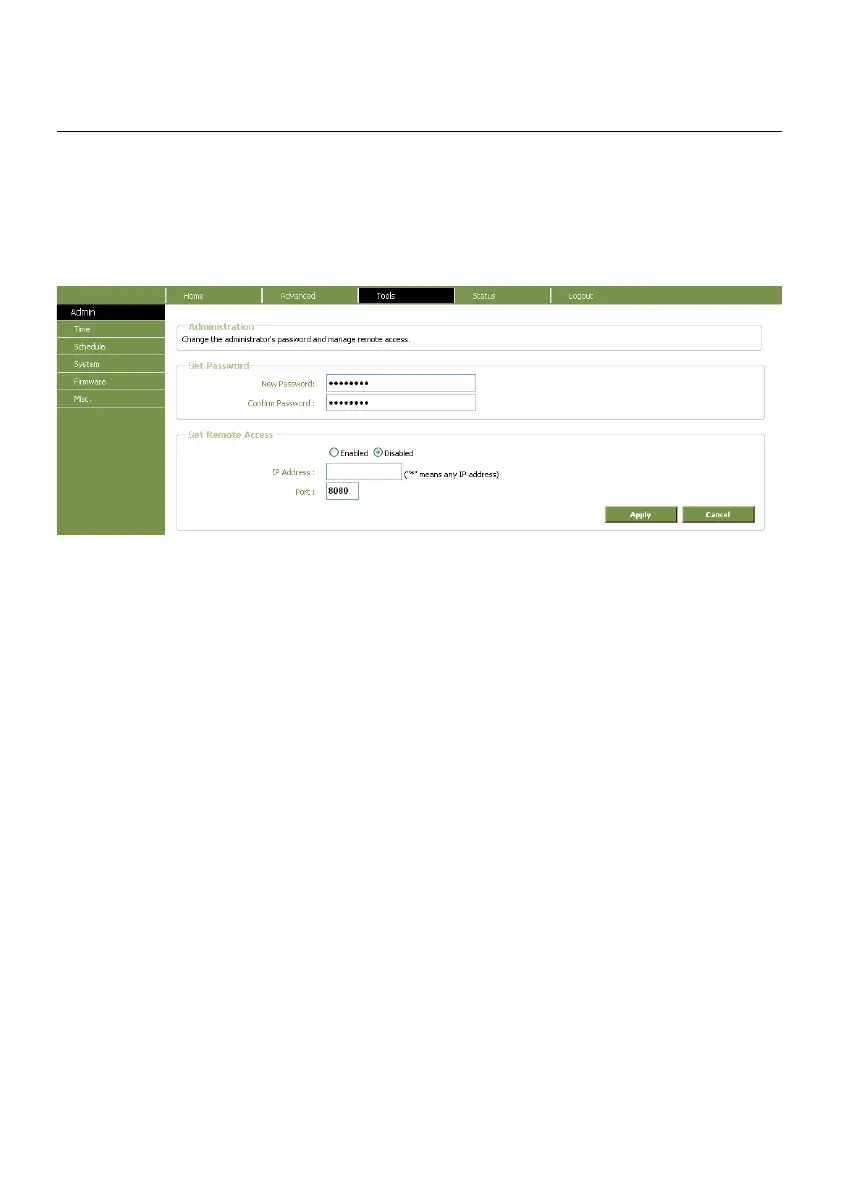
If you click on Tools menu and then Admin, the following page will open.
Administrator Settings window
Enter your new password in the New Password field and then type it again in the Confirm New
Password field. The default User Name is “admin.”
The Administration window is also used to enable remote management access to the Router. To
enable remote management of the Router, select the Enabled radio button and type the IP Address
of the remote network used for management. Click the Apply button to activate remote
management from the chosen IP address. Be sure to save the new setting.



 To Next Page