Conceptronic C54BRS4A User Manual
56
TOOLS - TIME
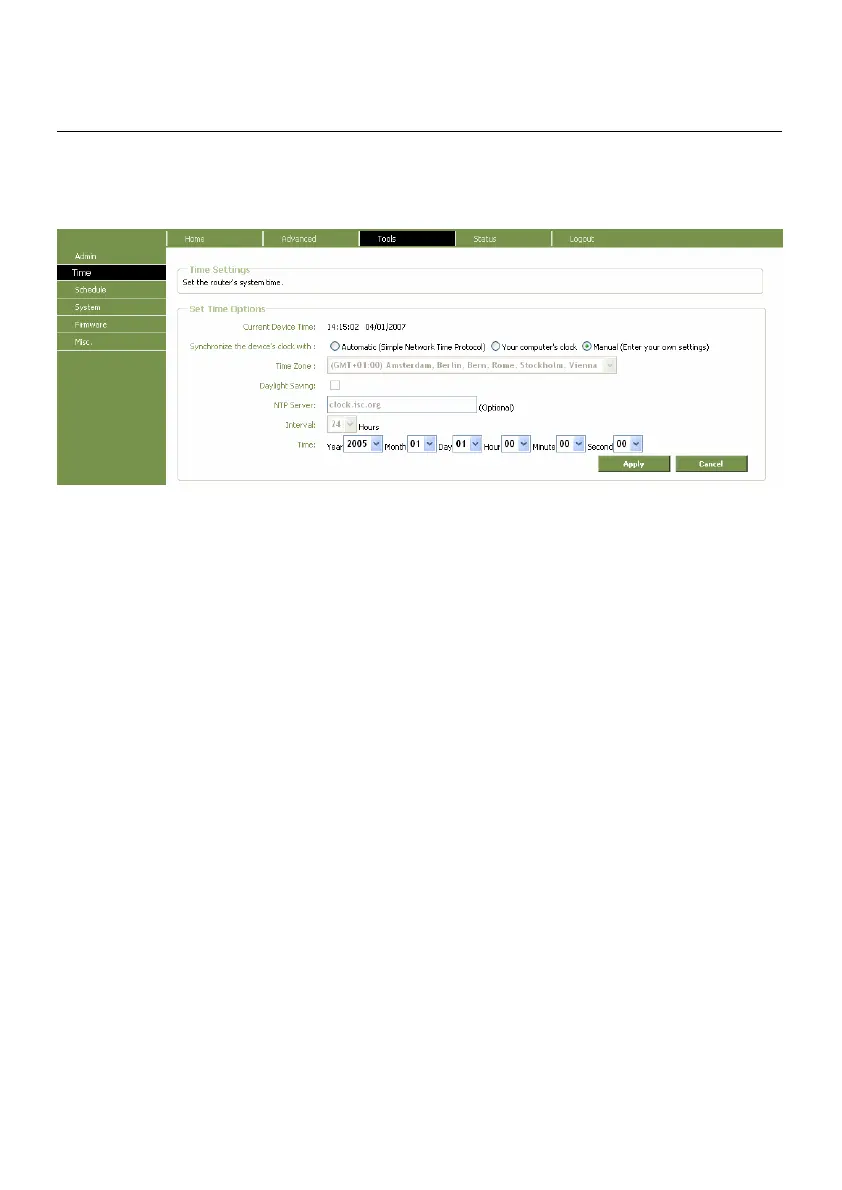
The Router provides a number of options to maintain current date and time including SNTP.
Time window
To configure system time on the Router, select the method used to maintain time. The options
available include SNTP, using your computer’s system clock (default) or set the time and date
manually. If you opt to use SNTP, you must enter the SNTP server URL or IP address. Click the Apply
button to set the system time.



 To Next Page