Conceptronic C54BRS4A User Manual
59
TOOLS - FIRMWARE
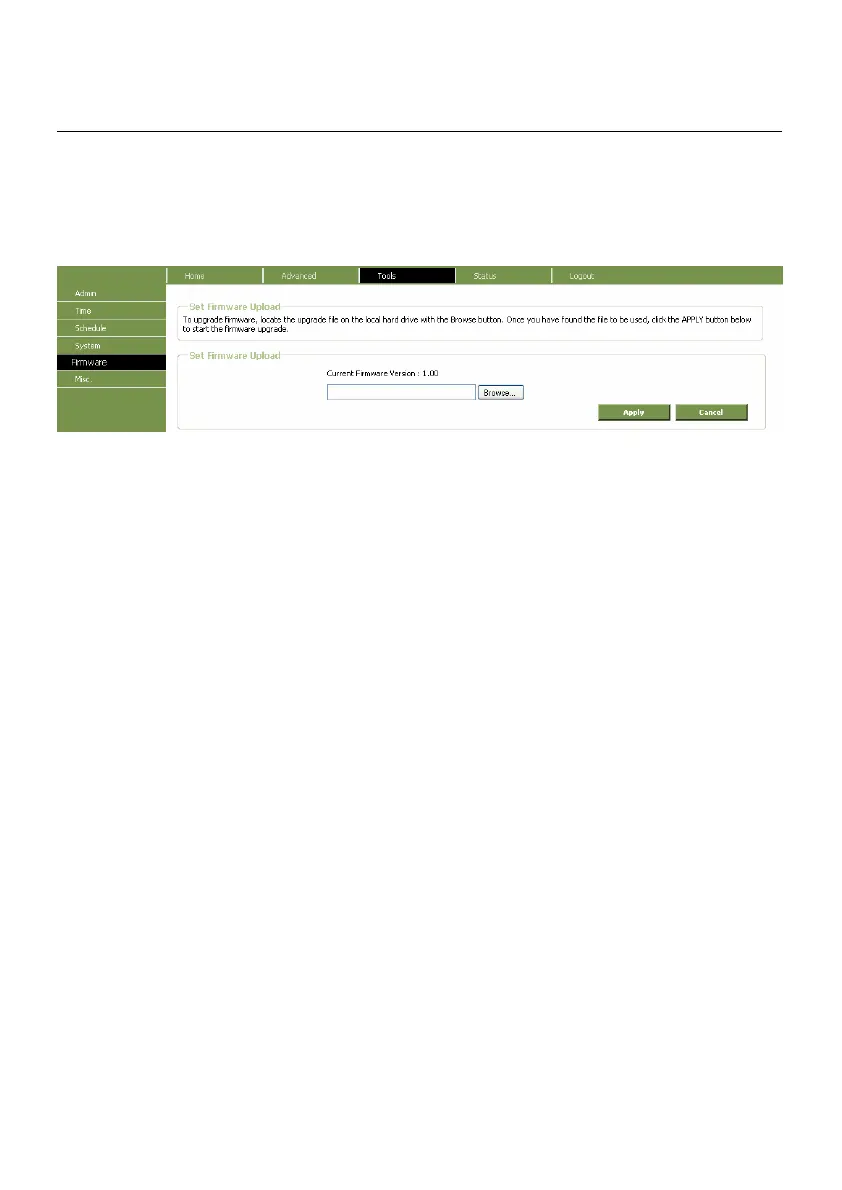
Use this window to load the latest firmware for the device. Note that the device configuration
settings may return to the factory default settings, so make sure you save the configuration settings
with the System Settings window described above.
Firmware Upgrade window
To upgrade firmware to the router, type in the name and path of the file, or click on the Browse
button to search for the file. Click the Apply button to begin copying the file. The file will load and
restart the Router automatically.
Performing a Firmware Upgrade can sometimes change the configuration settings. Be sure to back-
up the Router’s configuration settings before upgrading the firmware.



 To Next Page