24
TAKING PICTURES/VIDEO CLIPS
USING THE SCENE MODE
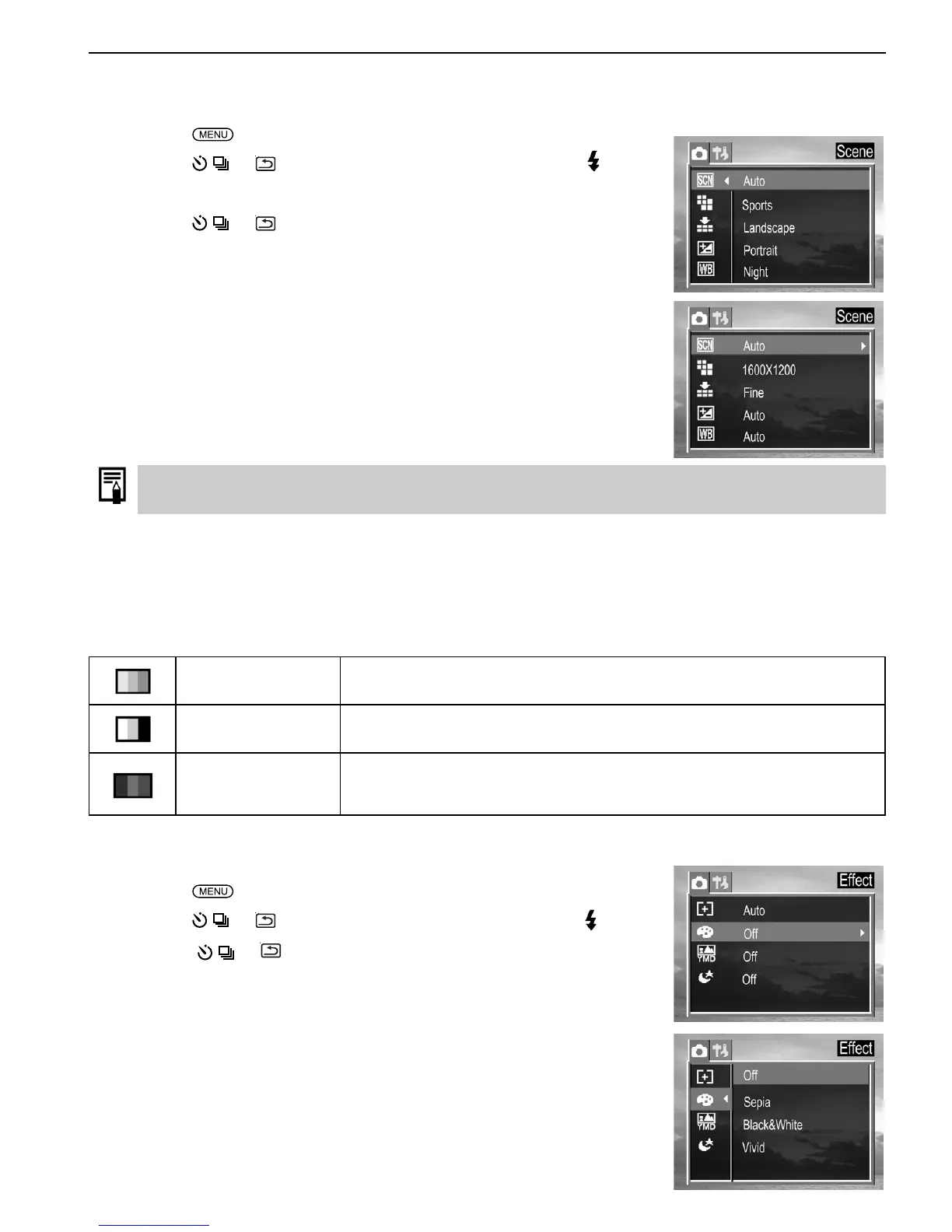
The camera provides 4 preset scenes for you to get the best capture of specific scenes.
1. Press the
button.
2. Press the
or to select Scene then press the SET or
button.
3. Press the
or to select the setting you wish to set then press
the SET button.
Change of Scene setting will disable Macro mode.
USING THE PHOTO EFFECT
An image can be recorded in a different Photo Effect Mode.
Sepia Records images in sepia tone.
Black & White Records images in black & white.
Vivid
Emphasizes the contrast and color saturation to record in bold
colors.
1. Set Scene to “Auto” mode.
2. Press the
button.
3. Press the
or to select Effect then press the SET or button.
4. Press the
or to select the setting you wish to set, then press
the SET button.











 To Next Page