32
FILE NAMES & PRINTING
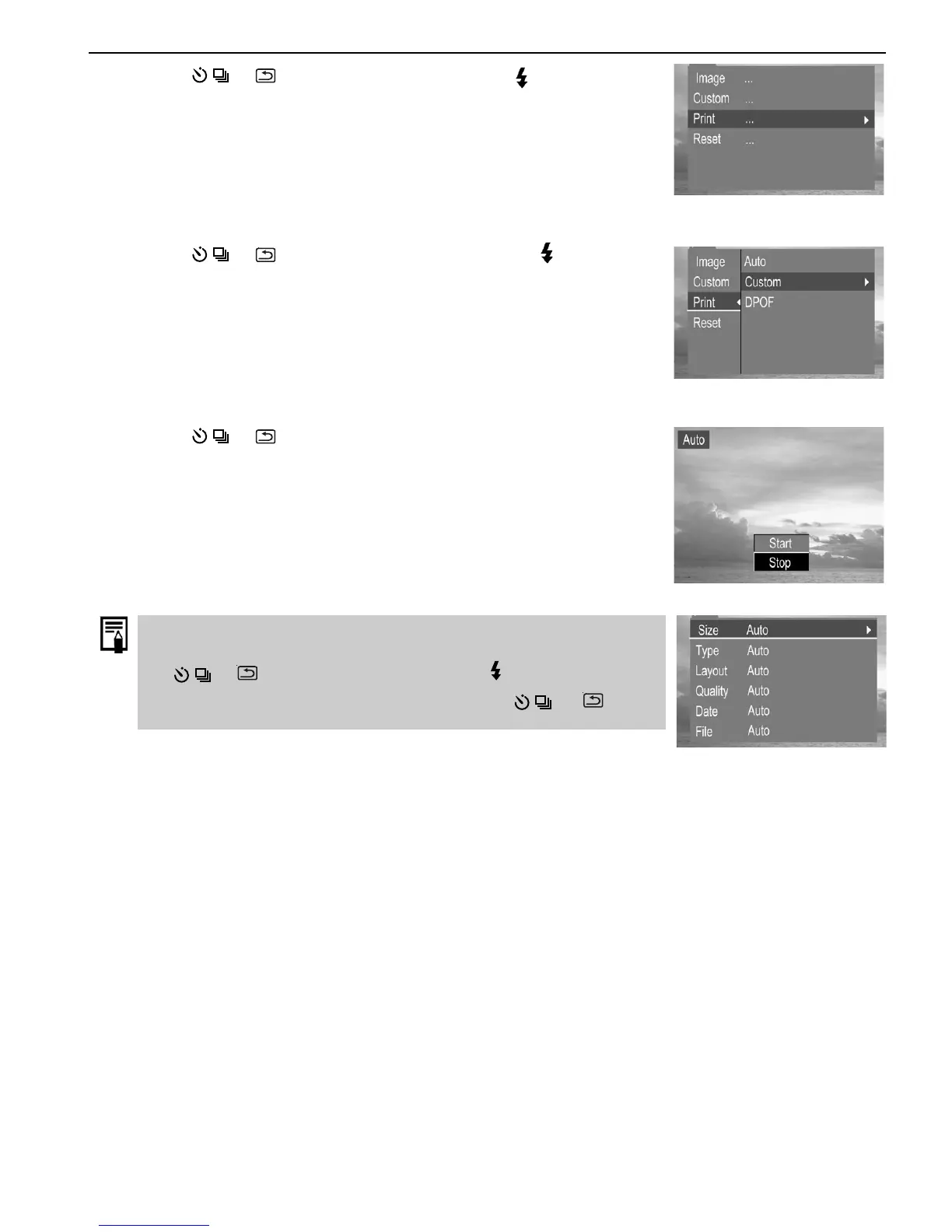
7. Press the or to select Print then press the button.
8. Press the
or to select Custom then press the button.
9. Press the
or to select Start then press the SET button. The
images will be printed.
Before proceeding to print, you can set paper size by pressing
the
or to select Custom, then press to enter custom
submenu, and then select Size by pressing the
or again.











 To Next Page