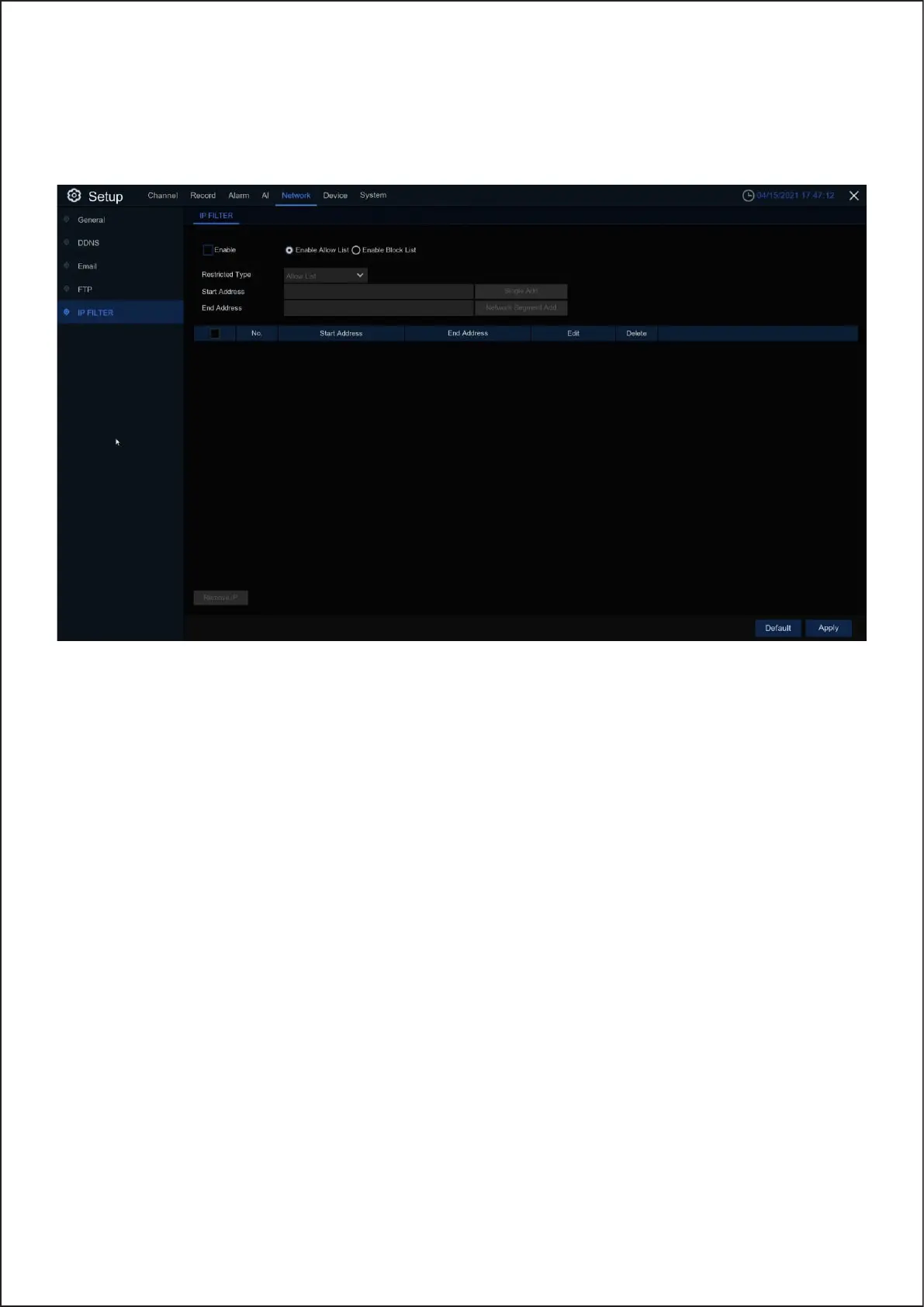
5.4.5 IP Filter
The IP filtering function allows you to set a black and white list, and only the IP in the white list can
connect to the device.
Enable: Enable or disable the filtering function. After enabling it, you can choose to enable blacklist or whitelist.
Restricted Type: Select the list to be set (black list or white list).
Start Address: Enter the starting address.
End Address: Enter the ending address.
35



 To Next Page