52
5.6.5 IP Camera Maintain
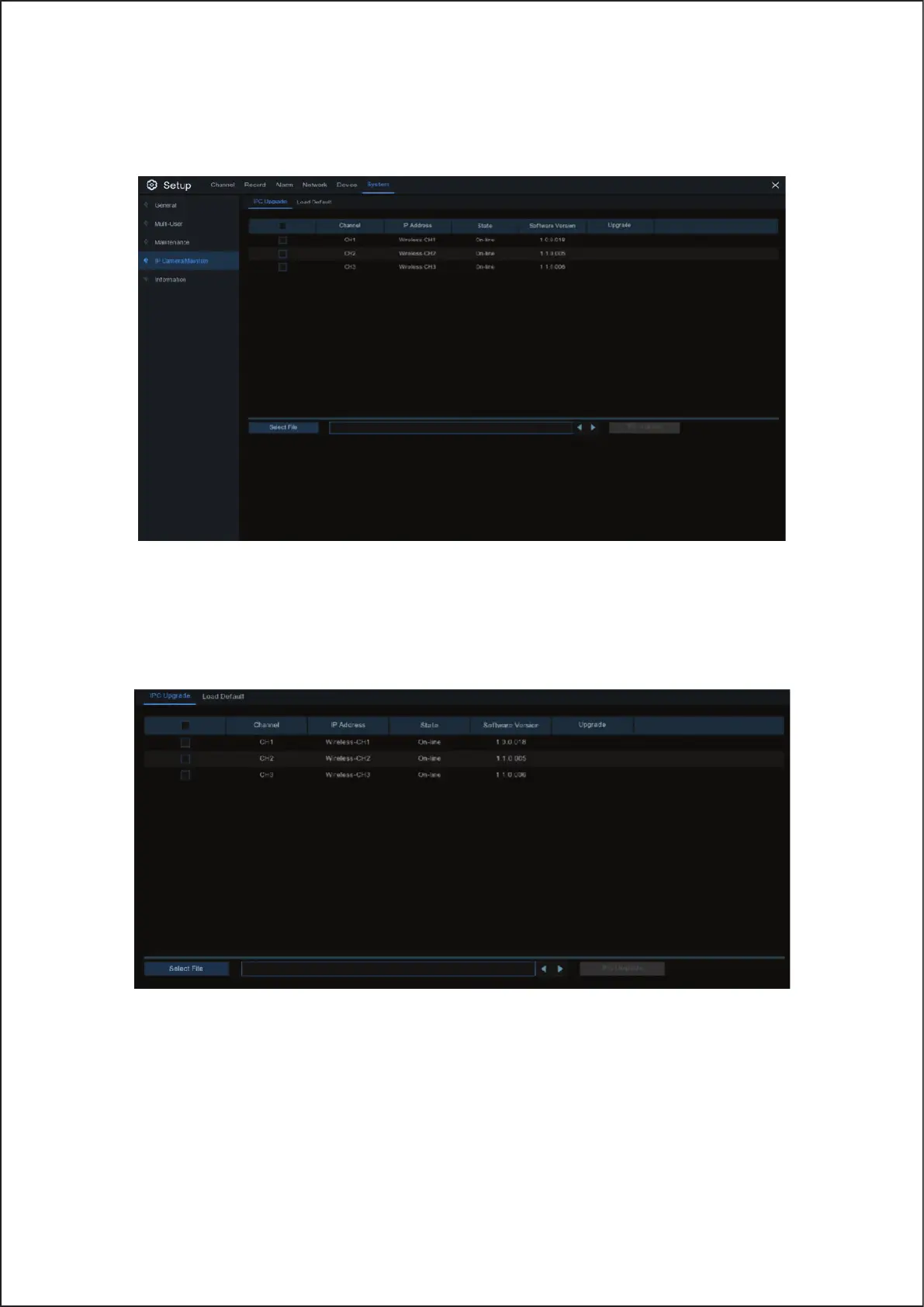
This menu allows you to upgrade the IP camera’s firmware and restore default settings of IP camera.
5.6.5.1 Upgrade IP Camera
1. Choose one of the IP cameras you want to upgrade firmware.
2. Click Select File select the update file from your USB flash drive, then click OK.
3. Click IPC Upgrade button to start upgrading. You will be required to input the Admin password to authenticate.
Please do NOT power off the Wireless NVR and IP camera or remove the USB during the upgrading.
52



 To Next Page