53
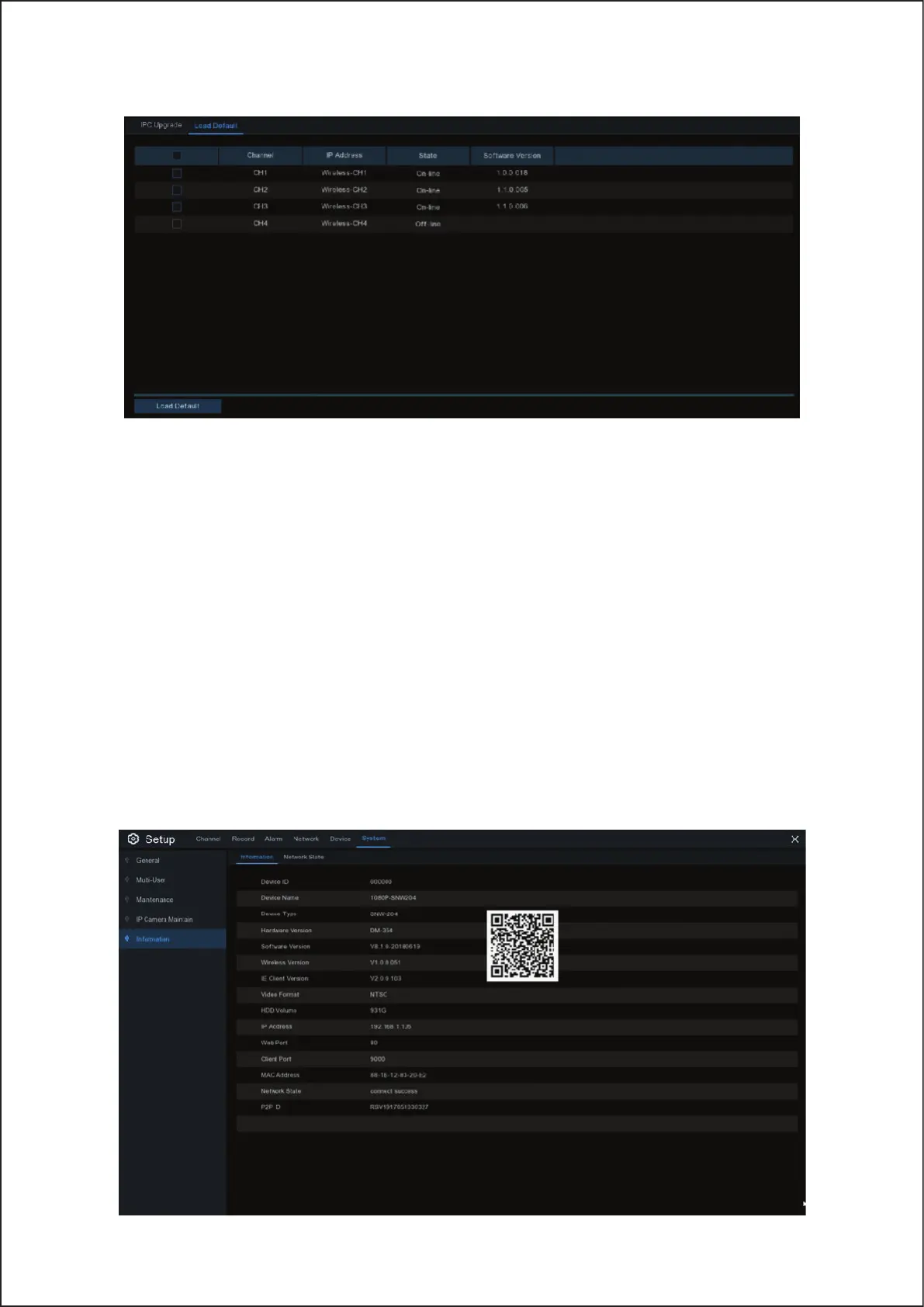
5.6.5.2 Load Default Settings for IP Camera
1. Choose the IP cameras you want to restore.
2. Click Load Default to restore settings. You will be required to input the Admin password to authenticate.
5.6.6 System Information
This menu allows you to view the system information, channel information, record information & network status.
5.6.6.1 Information
View system information such as device ID, device model name, IP address, MAC address, firmware version
and more.
You will find the P2P ID & P2P QR code in the information page.
You can scan this QR code with mobile app to remote view the Wireless NVR.
53



 To Next Page