58
6.1.1.1 Video Clip Backup
1. Insert your USB flash drive to the Wireless NVR.
2. Start a video recording playback.
3. Click icon.
4. Check the channel(s) you want to make a video clip backup.
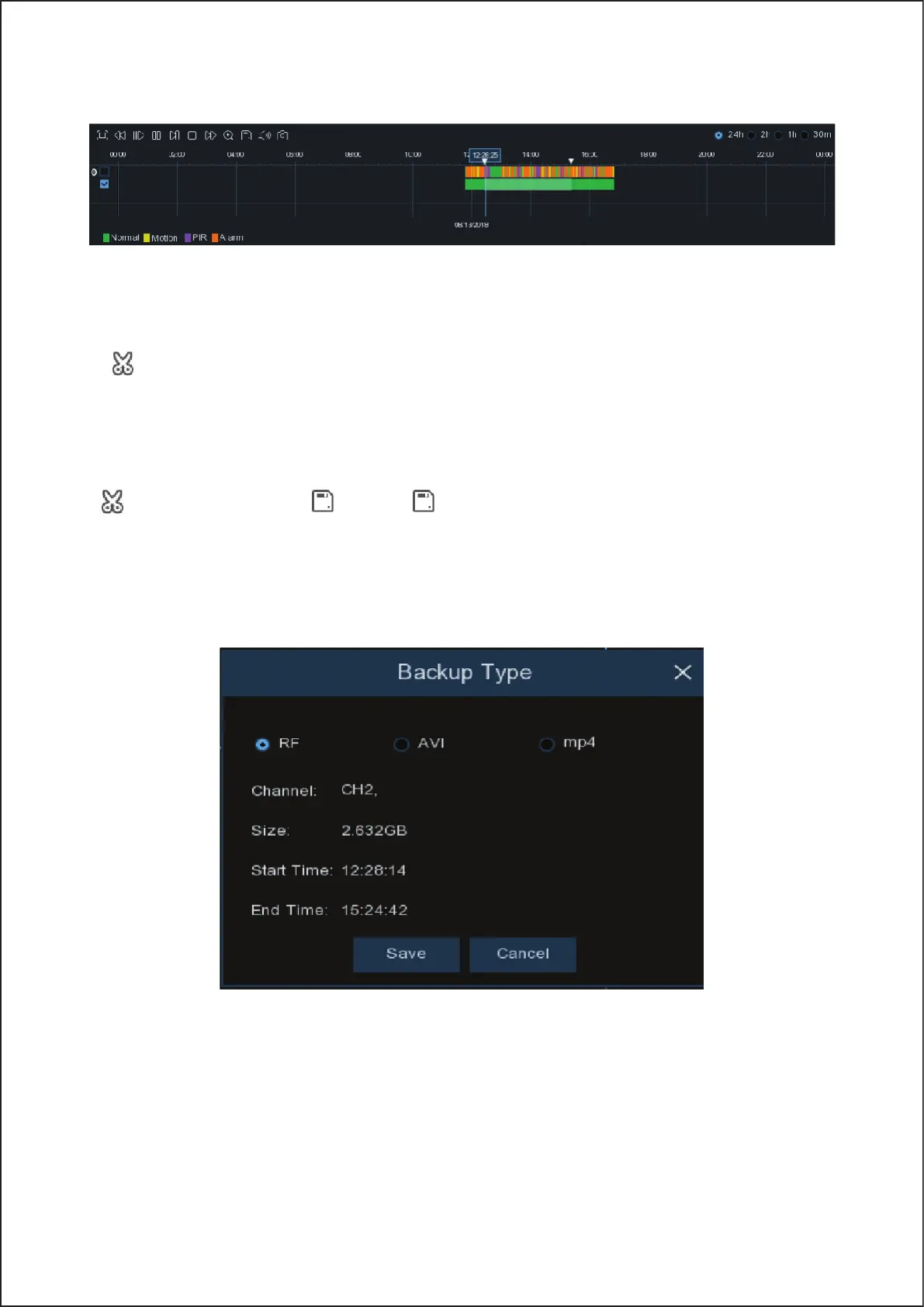
5. Move the mouse cursor to the timeline where you want to start the video clip.
6. Press and hold the left button of your mouse, and drag the drag the cursor to the timeline where you want to end
the video clip.
7. The icon has been changed to icon, click to save the video clip.
8. Select a file type for your backup files, click Save button to save the video clips. Please make sure your USB drive
has enough space to save the video clips.
58



 To Next Page