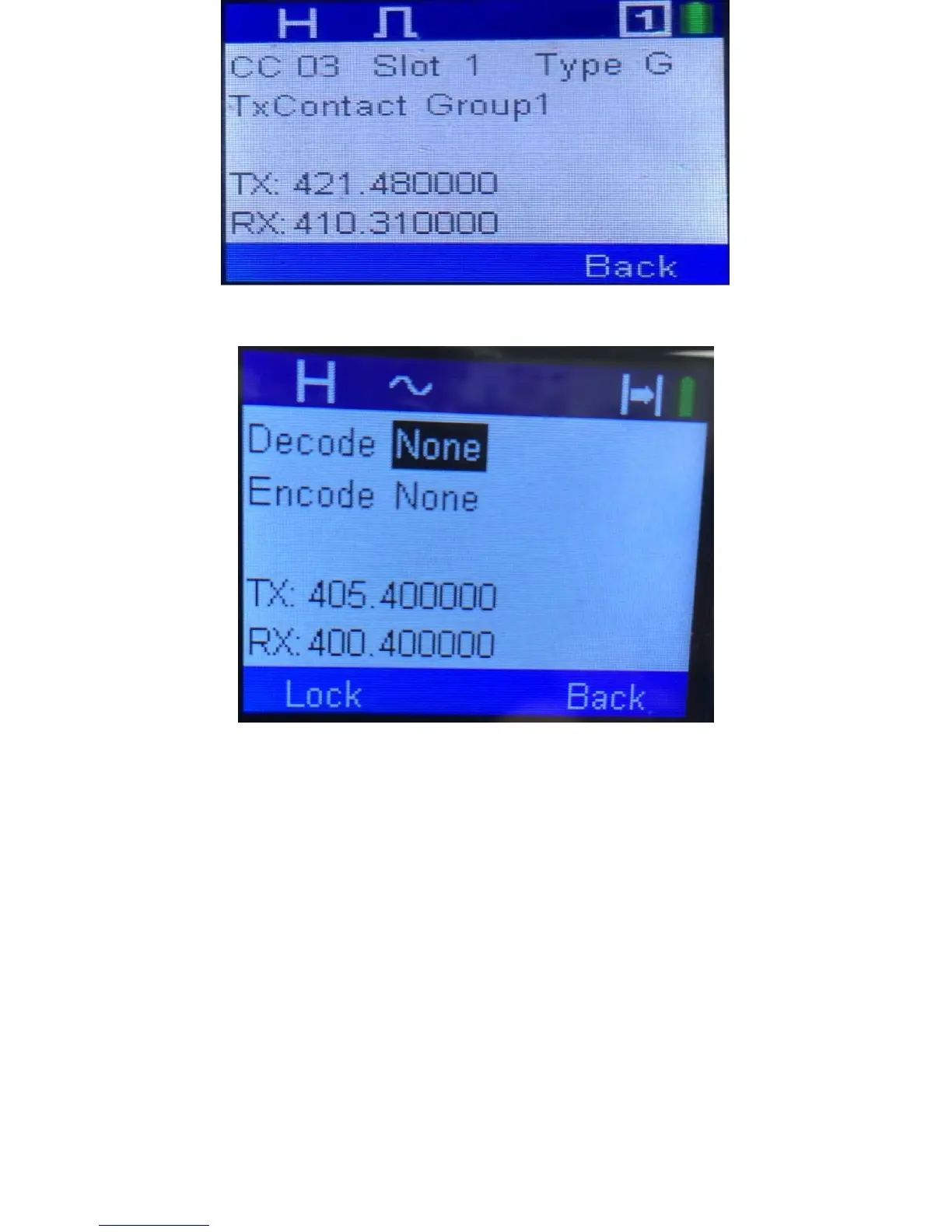
If your radio was on an analog channel, then the opening screen would be as follows:
You use the up and down selection key to select the different CTCSS or DCS parameters
in the Decode and Encode fields.
The starting screen for the enhanced parameters should be as follows:
1. If you change the channel switch or you first turn on power, the screen should be
whatever is associated with the channel.
2. If you locked in enhanced scanning, then whatever was used in scanning should be
on this screen.
3. If you locked in Enhanced Monitor, then whatever was used in enhanced monitor
should be on this screen.
4. If you locked in Enhanced Parameter, then whatever was used in enhanced
parameter should be on this screen.



 To Next Page