ENHANCED MONITOR
The radio allows you to set the following parameters for Enhanced monitor:
Enhanced Monitor Button: This defines which button is used to start the enhanced monitor
mode. We set the default to the top button and long press.
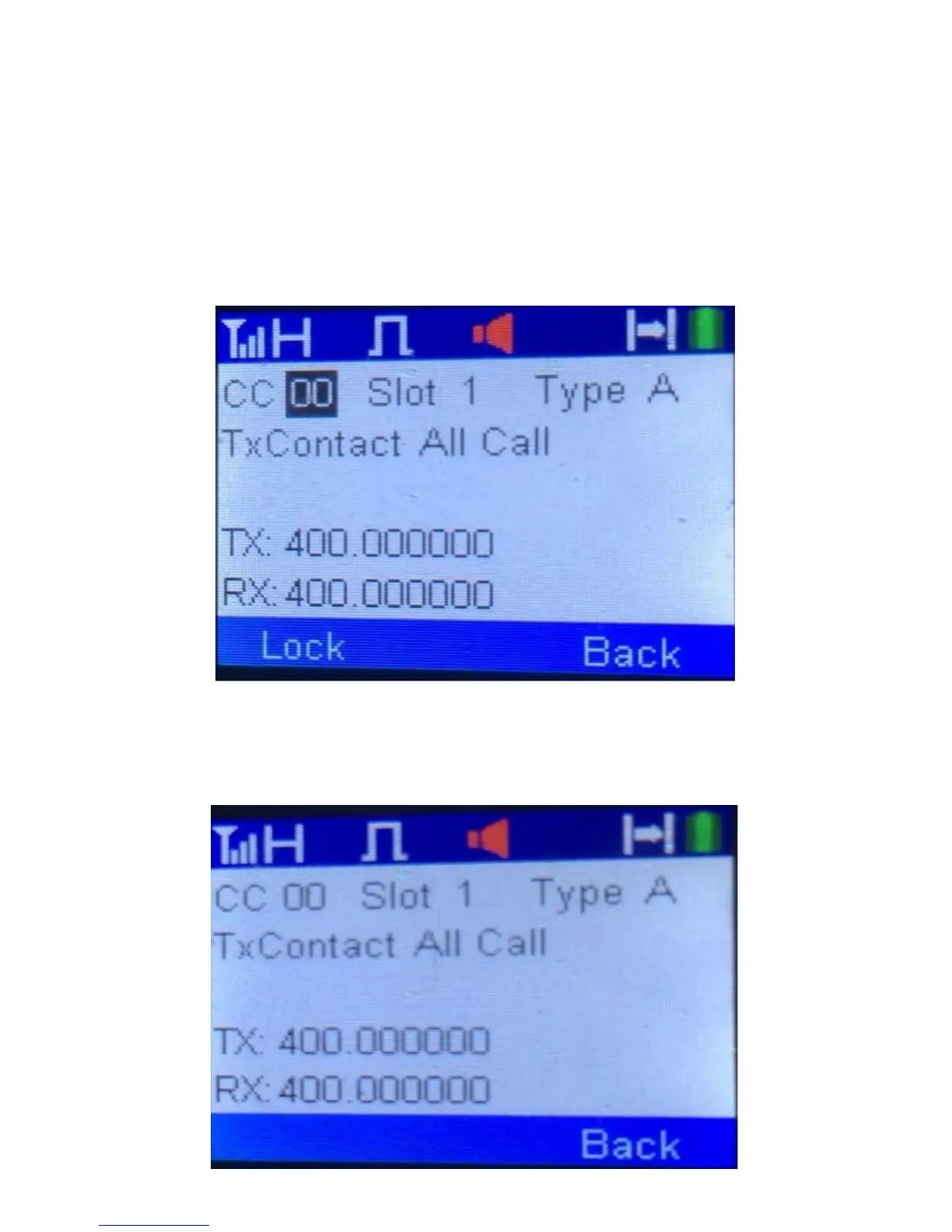
To start the Enhanced Monitor mode, press the appropriate button and you will get a
screen on the radio as shown below if your radio was set to a digital channel.
If you hear a conversation you like on that channel press the lock key and you are now
ready to use the radio. After you press the lock key you will get the following screen:



 To Next Page