10
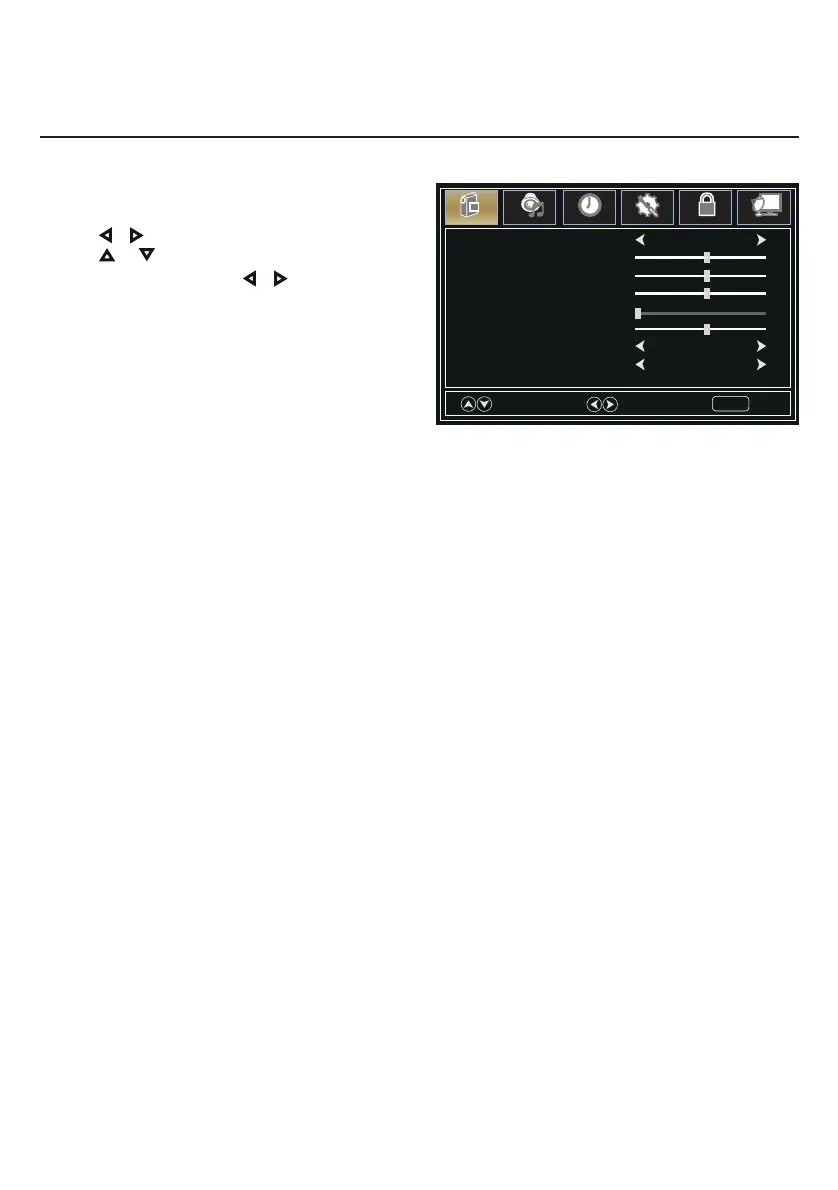
1. Press MENU button, the setup window will
appear on the screen.
2. Use or keys to highlight Picture mode.
3. Use or to highlight the item you would
like to reset, then press or to select the
settings.
4. Press MENU to return to the previous menu or
press EXIT at any time to exit the setting.
Picture Mode EnergySaving
Tint
Brightness
Color
Blue Screen On
Color Temperature Cool
Contrast
Sharpness
Select
Move
Exit
MENU
Picture
Sound
Time
Setup
Lock
Channel
50
50
50
0
50
Picture Menu


 To Next Page