11 12
•Press: "0" Key
Pressandhold:Switchbetween"+/P/W"
•In Edit mode
Press: Enter a space
Press and hold: Input "0"
•Press: Take a picture
•Pressandhold:AccessCamera
•Press: Volume up/down
•In Camera mode
Press: Zoom in/out
•In music playing mode when phone is closed
Press and hold: Previous/Nextsong
•InRadiomodewhen phone is closed
Pressandhold:Previous/Nextchannel
•InCalendarmode
Press:Previous/Nextmonth
•Incomingcall(phoneisclosed)
Press:Mute
Pressandhold:End
•Alarmbeep(phoneisclosed)
Press:Snooze
Pressandhold:Stop
•Press: " * " Key
•In Edit mode
Press: Change input method
Press and hold: Access the Symbols table
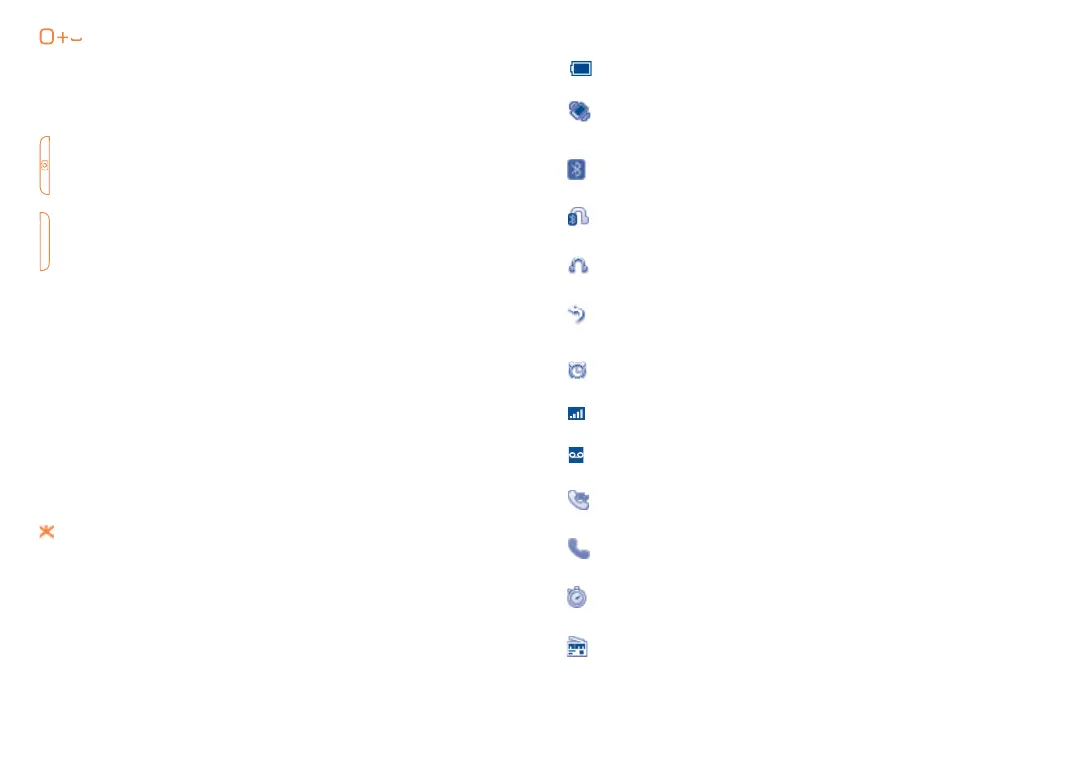
2.2 Status Bar Icons
(1)
Battery charge level
Vibrate alert: your phone vibrates, but does not ring or
beep with the exception of the alarm (see page 46)
Bluetooth
®
status (Activated)
Bluetooth
®
status (Connected to an audio device)
Headset connected
Call forwarding activated: your calls are forwarded
(see page 50)
Alarm or appointments programmed (see page 41, 42)
Level of network reception
Voicemail message arrived
Missed calls
Call in progress
Stopwatch is active
Radio is on
(1)
The icons and illustrations in this guide are provided for informational purposes
only.



 To Next Page