EasyManua.ls Logo

Contex IQ 2400 Series - User Manual

Contex IQ 2400 Series
61 pages
Print Icon
To Next Page IconTo Next Page
Loading...
User’s Guide
Wide Format Scanners
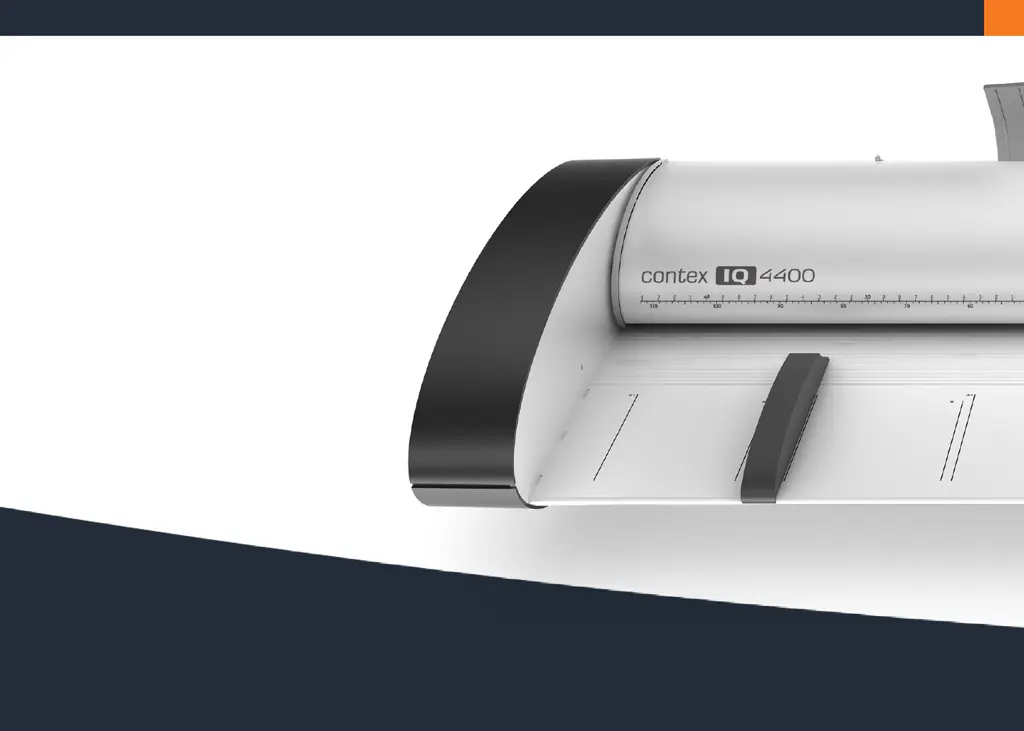
Models: IQ 2400 and IQ 4400 series
September 2012

Questions and Answers

Summary

Overview of the Scanner

Scanner front view

Details the front view of the scanner and its components.

Scanner rear view

Details the rear view of the scanner and its connection panel.

Installation

System requirements

Lists the hardware and software requirements for installation.

Installation step by step

Provides a step-by-step guide for installing the scanner.

Turning the Scanner ON;OFF

Main power switch

Explains the location and function of the main power switch.

Sleep and wake modes

Details how to use sleep and wake modes for power management.

Automatic shut down after idle time

Configures automatic sleep mode based on idle time.

Loading Originals into the Scanner

Load, face up, at the scanners center

Guides on positioning documents correctly for scanning.

Automatic loading

Explains the process of automatic document feeding.

Manual loading

Explains the process of manual document feeding.

Soft Handling

Explains the soft handling option for delicate originals.

Setting the input size

Details how to define the scan area size.

Scanning

Software applications for scanning

Discusses controlling the scanner with software.

Running applications from the scanner panel

Explains using one-touch buttons for software control.

Batch scanning

Guides on scanning multiple documents with same settings.

Monitoring your scanner with WIDEsystem

How to use WIDEsystem to monitor scanner status and functions.

Maintenance

About scanner maintenance

Introduces the three basic maintenance tasks.

Cleaning the scan area

Details how to clean the scanner's internal parts.

Calibration

Explains how to calibrate the scanner for optimal output.

Replacing the glass plate

Provides instructions for replacing the scanner's glass plate.

Downloading New Firmware

What is Firmware?

Explains what firmware is and its role in scanner operation.

When do I need new firmware?

Guidance on when to upgrade scanner firmware.

How to identify the firmware version running in the scanner?

Steps to check the current firmware version.

How to install new firmware?

Instructions for downloading and installing firmware.

Trouble Shooting

How are errors reported on your system

Explains how scanner errors are indicated and reported.

Correcting common errors

General advice for fixing common error messages.

Technical assistance

When and how to contact technical support for help.

Problems Related to Scanner Installation

Solutions for issues encountered during scanner installation.

Problems Related to Operation of the Scanner

Solutions for issues related to scanner operation.

Problems Related to the Scanning Results

Solutions for issues affecting scanned image quality.

Appendixes

Important safety instructions

Crucial safety guidelines for operating the scanner.

Regulations

Compliance information for FCC, CE, and VCCI.

Contex IQ 2400 Series Specifications

General IconGeneral
TypeLarge Format Scanner
TechnologyCCD
Maximum Scan Width24 inches
Optical Resolution600 dpi
Color Depth48-bit
Scan Width24 inches
Scan Speed (Color)4.5 inches/sec
Scan Speed (Grayscale)4.5 inches/sec
ConnectivityUSB
InterfaceUSB 2.0
Document Size24" wide

Related product manuals