


 To Next Page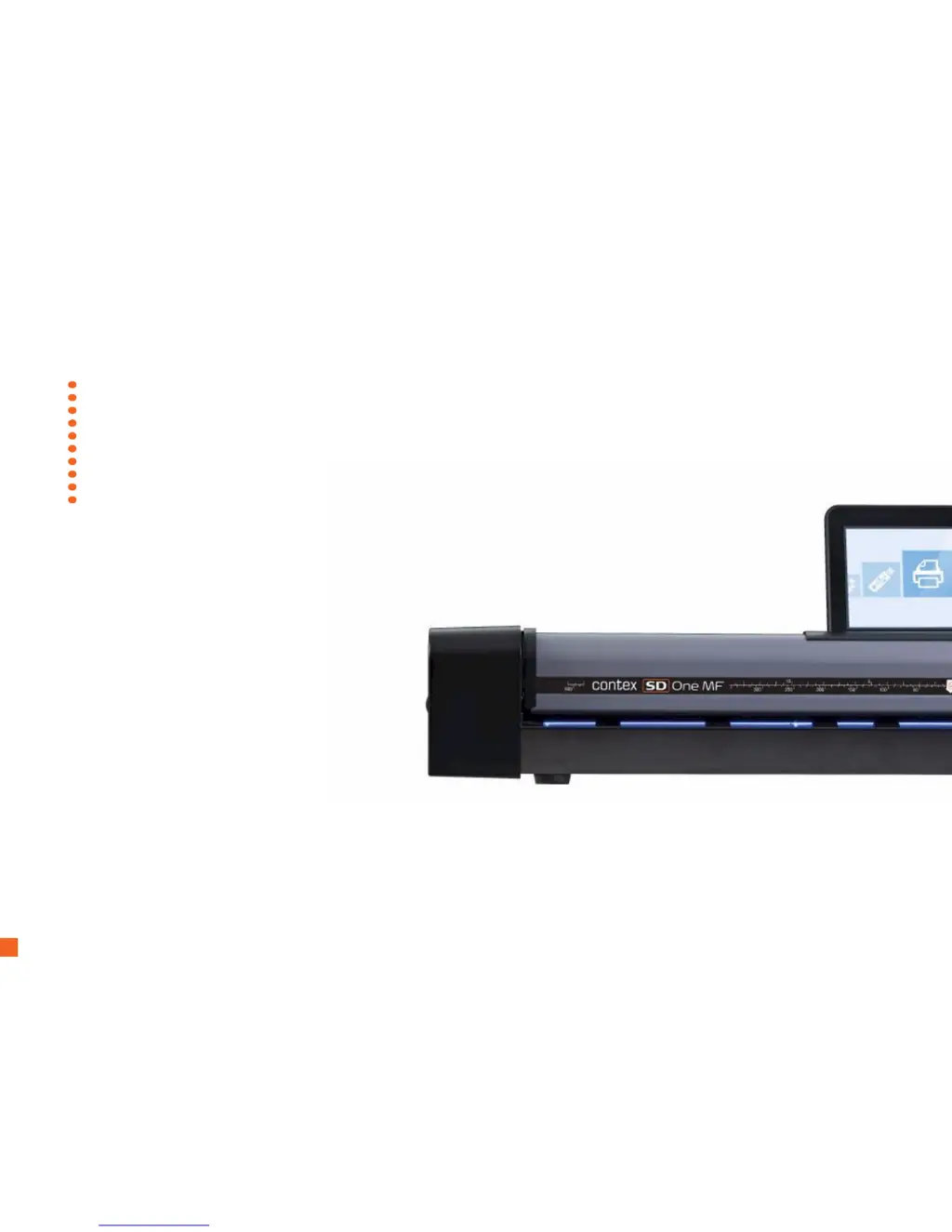
B
Brandy RodriguezJul 31, 2025
What to do if my Contex Scanner says 'Paper Jam'?
- BBrandi BradleyJul 31, 2025
If your Contex Scanner displays a 'Paper Jam' error message, follow these steps: Open the scanner lid by simultaneously pressing the lid release buttons towards the center of the scanner until they unlock. Grip the edge of the lid as it opens. Pull the lid backwards, holding it with one hand, and use the other hand to carefully remove the document completely from the scanning area. Finally, close the lid. Once the scanner indicates it is ready, reload the document to scan.
 General








