Scanning 32
The Contex LINK scan client software
The Contex LINK scan client makes it easy to share one scanner in a user group. Users can create personal profiles to store their own file destinations and really
personalize their use of the scanner.
Contex LINK is a simple client software application installed on the user PC. Once configured the scanner will find the PC client and then handle all connections
back to the user pc and to any cloud accounts such as Box, Dropbox, Google Drive and OneDrive that the user wants to connect to.
Install Contex LINK
At the scanner:
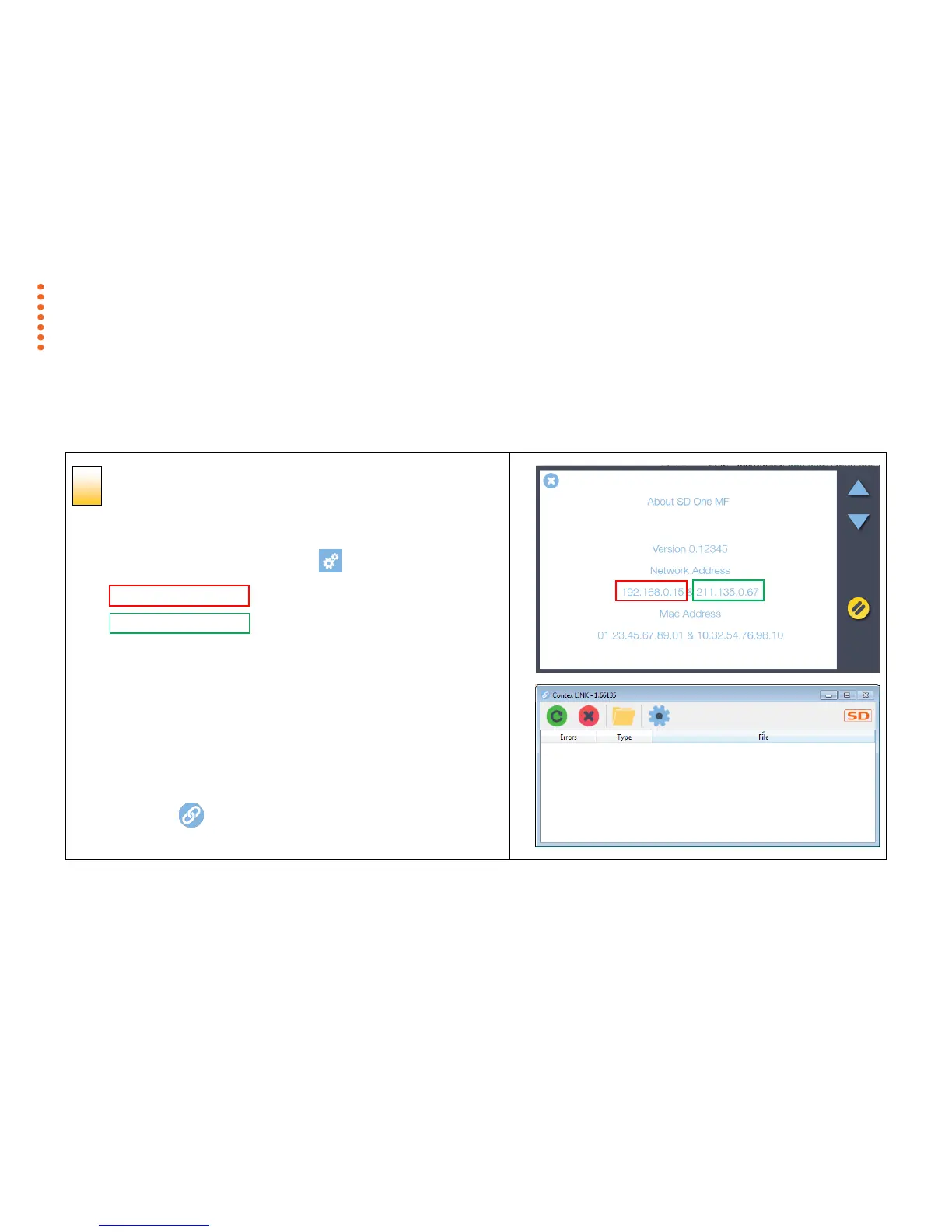
1. Locate the scanner network IP address: -> About
Wired LAN IP address
Wireless Wi-Fi IP address
At the computer:
Use an internet browser to download the Contex LINK software from the
scanner or from the internet.
1. Go to http://<your scanner IP address> or http://www.contex.com/LINK
2. Install the software.
3. The Contex LINK icon will appear in your PC programs and system tray
areas.
4. Click on the icon to open the program.



 To Next Page