Replacing the glass plate
During scanning, your documents move against the glass plate as they pass the scanner’s sensors. After long-term use, the glass plate can become worn or
scratched and this can affect image quality and scanning precision. Changing the glass will renew your scanner and ensure optimal results.
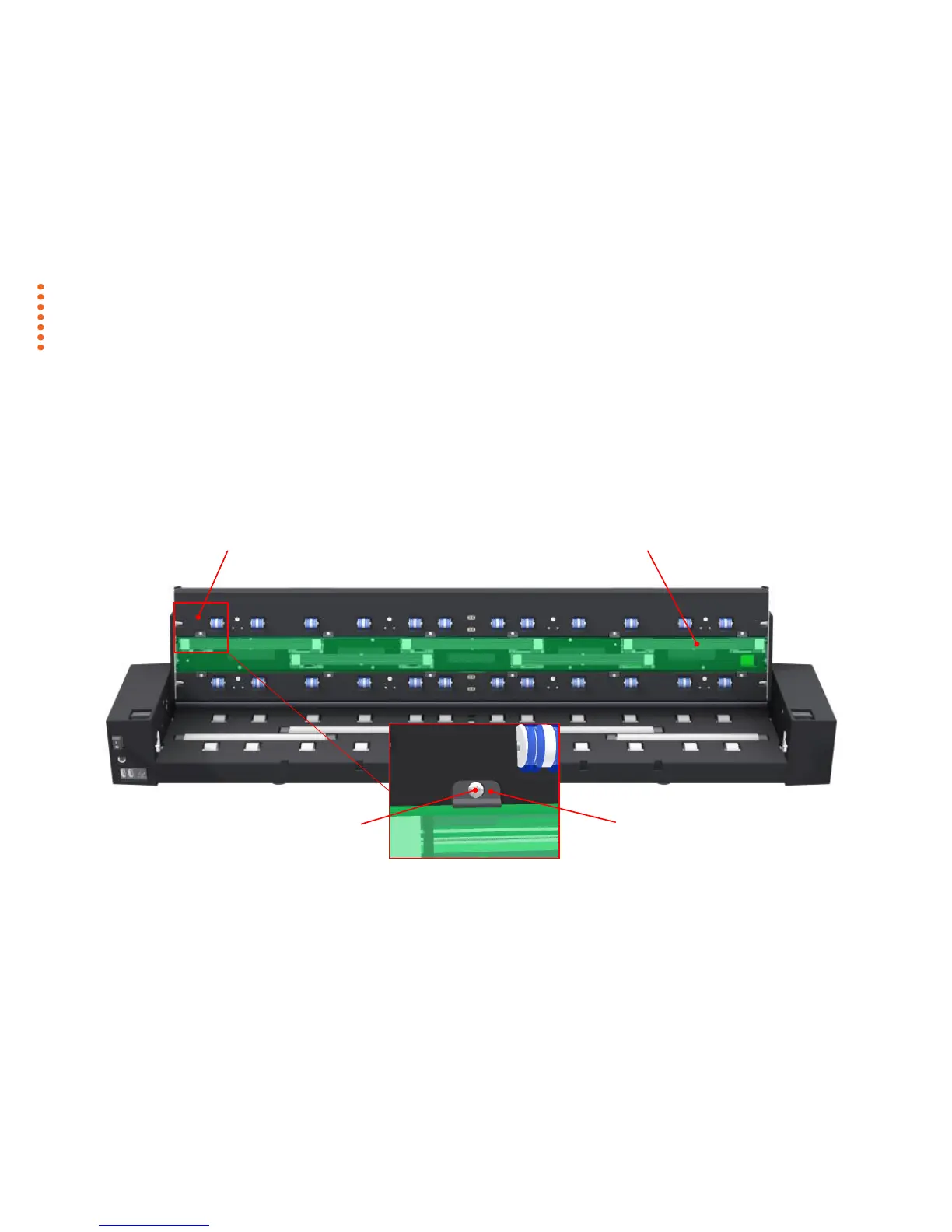
Key parts you need to know for replacing the glass plate:
The illustration below shows the scanner seen from the rear with its lid open. It indicates the key parts and buttons you need to recognize when replacing a worn
glass plate.
The glass plate is held and locked in place with small plastic latches. Each latch can be released from the glass plate by removing a Torx 10 screw. Instructions
follow in the next pages.



 To Next Page