Scanning 25
Turning the scanner ON and OFF
Main power switch
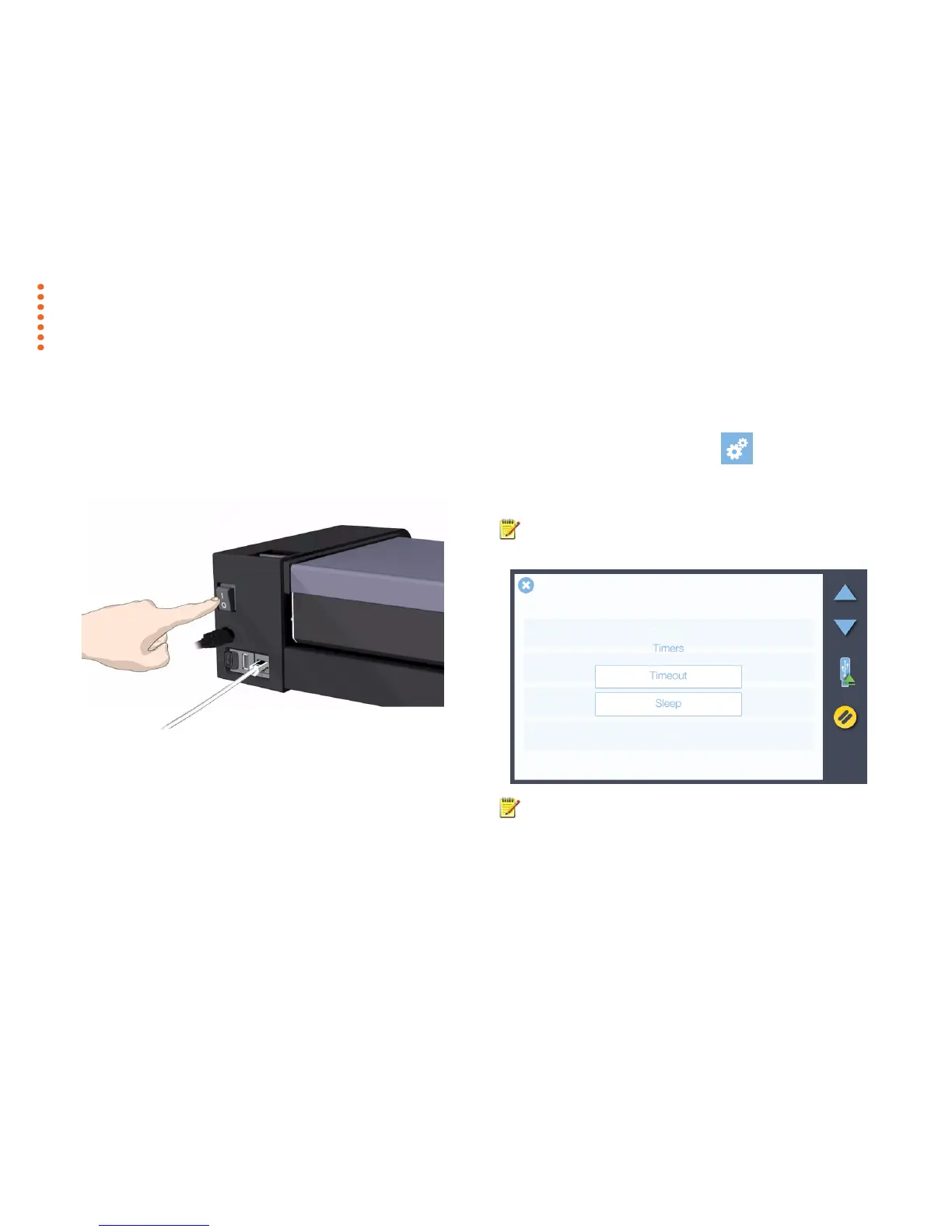
The main power switch is at the back of the scanner.
Press the top side of the switch (marked “I”) to turn the main power to
ON.
Press the bottom side of the switch (marked “0”) to turn the main
power to OFF.
.
Sleep mode
Sleep mode is an energy saving mode. The scanner cannot scan when in
the Sleep mode. When first powered on the scanner is set to automatically
go into Sleep mode after a preset period of inactivity (idle time). This period
of inactivity can be extended or shortened to match your normal workflow.
1. Scroll to select the Settings button
2. Select System, then Timers.
3. Press the Sleep button to set the idle time.
4. A setting of 0 means that the scanner does not go to sleep.
NOTE: When the scanner main power is ON but in Sleep mode, the
scanner can be woken by inserting a document.
NOTE: Timeout is not a power save feature. Timeout is a configurable
time limit after which the scanner resets back to the default settings for
quality, file format, color mode and scan area ready for the next user.



 To Next Page