Wi-Fi setup – configuring the scanner for wireless
networking
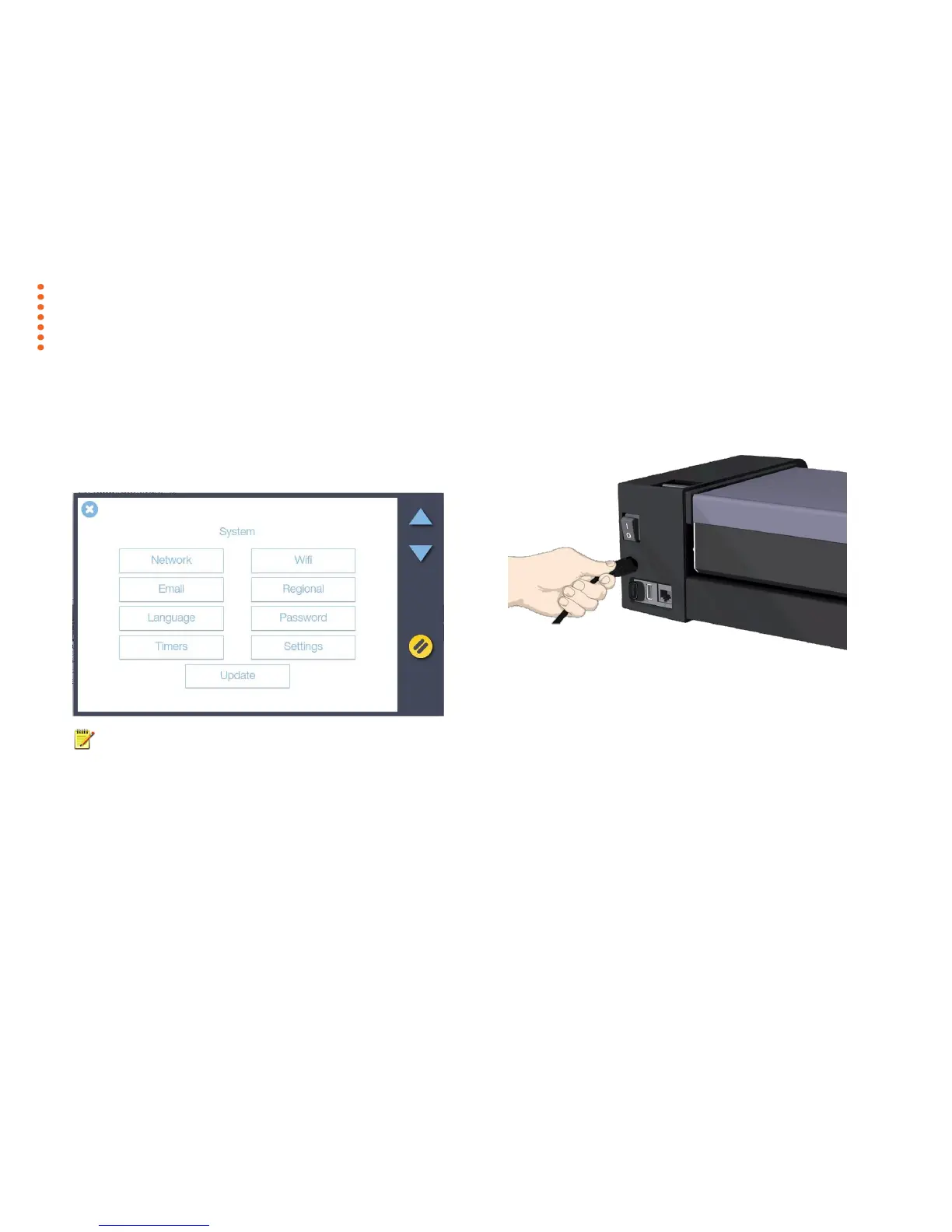
Ensure that you are within wireless range of your wireless router and you have first
removed the wired LAN Ethernet connection. Plug in the power connection and
switch ON the scanner.
From the touch screen choose Settings, select System then select Wi-Fi.
NOTE: It is not necessary to power OFF the scanner when changing from
wired to wireless network operation.



 To Next Page