Scanner setup 10
Checking and cleaning the scan glass
Cleaning the scanner
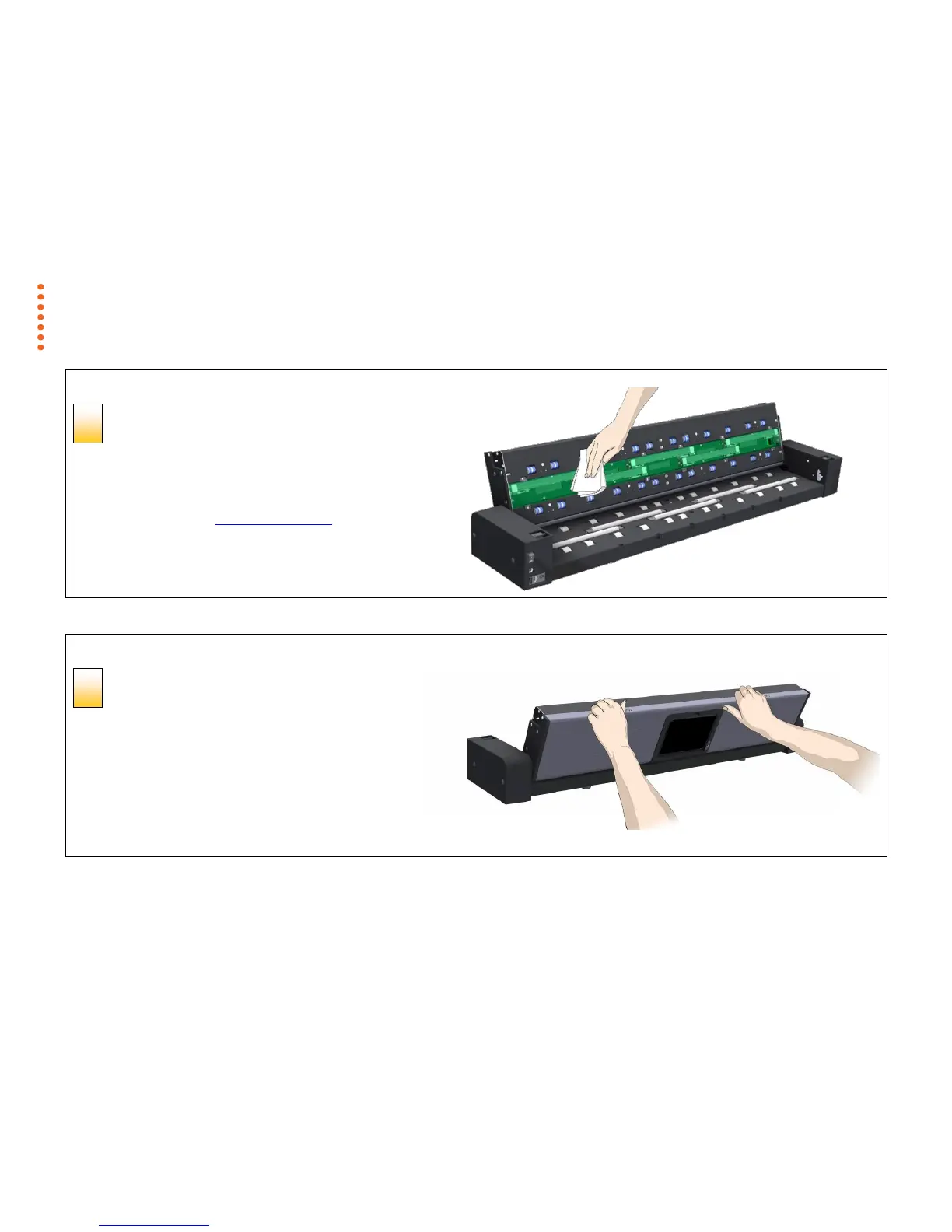
Clean the internal scan area
Using a clean, dry, lint-free cloth wipe the internal scan area free of
dust.
If you see smudges on the glass that cannot be wiped clean with the
dry cloth refer to the section Cleaning the scan area later in this guide
for further instructions on how to clean the scan glass and surrounding
areas.
Cleaning the scanner
Close the scanner lid
Close the lid after cleaning the internal scan area.
1. Push the scanner lid all the way down until you hear both
release buttons click back into position.
2. Now move your fingers away from the release buttons
slightly and try to gently pull the lid open again to ensure
that it is properly closed.



 To Next Page