Scanning 30
Scan to file settings
The type of document you are scanning
Color photos, posters etc.
B/W photo or image with gray shades
Color line drawing or map
Determines the scan resolution
low resolution when speed counts most.
middle resolution for most common tasks.
high resolution for optimal quality. Slower
Determines the scanner capture area
The scanner detects the size automatically.
Scan the full width of the scanner.
The file type of the output file: TIF, JPG, PDF, PDF/A.
Open a scan preview for validation and to add small edits before
saving to file
A. SELECT– select validation entity
B. CROP – drag green border, press green button to save
C. DRAW – add freehand lines and markups.
D. TEXT – add text to the image.
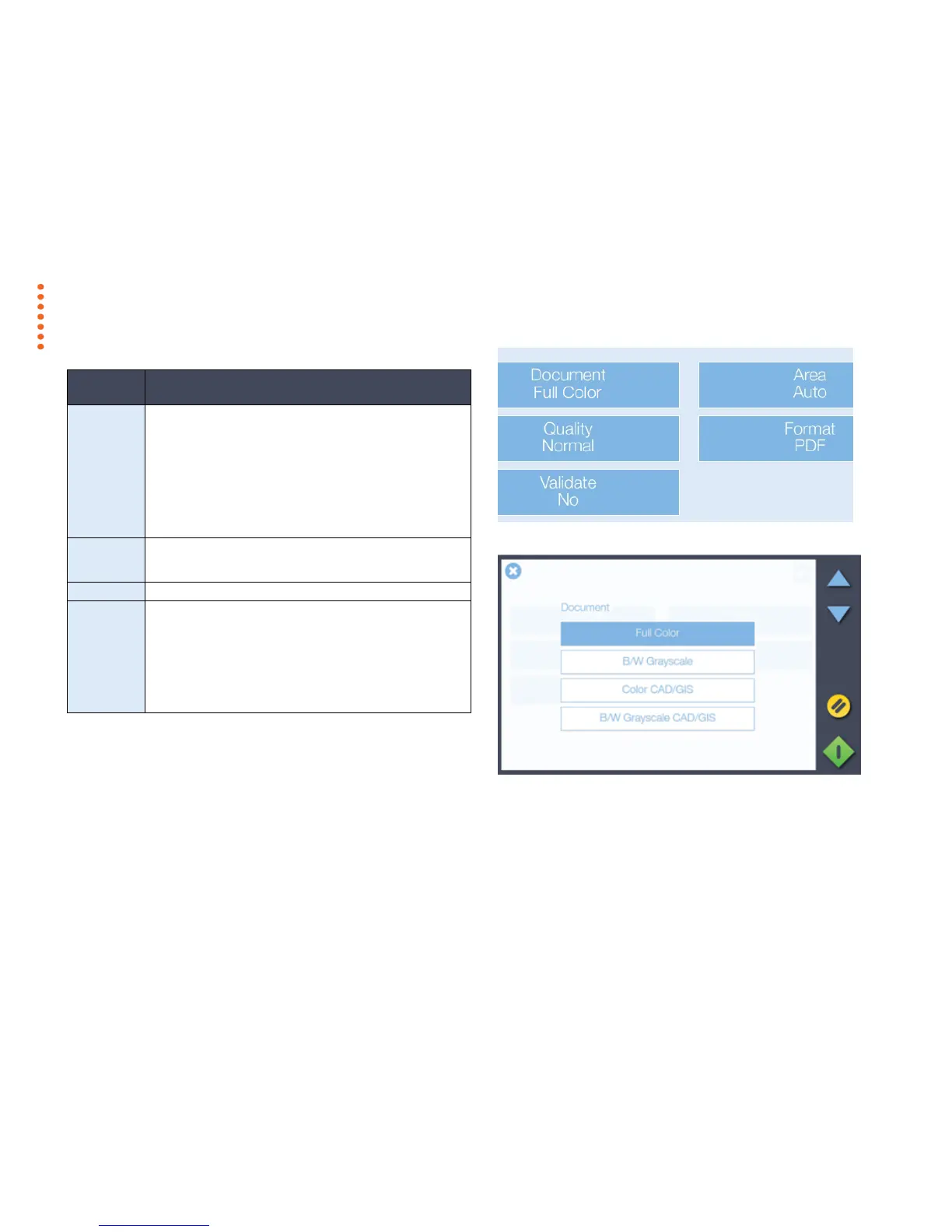
MENU to change: Document Color, Scan Area, Scan Quality, File
Format and Validate SCAN options.
Full Color (selected), B/W Grayscale, Color CAD/GIS and B/W
Grayscale CAD/GIS options for scanning a Document to file.



 To Next Page