Scanner Installation
Setting up the printer
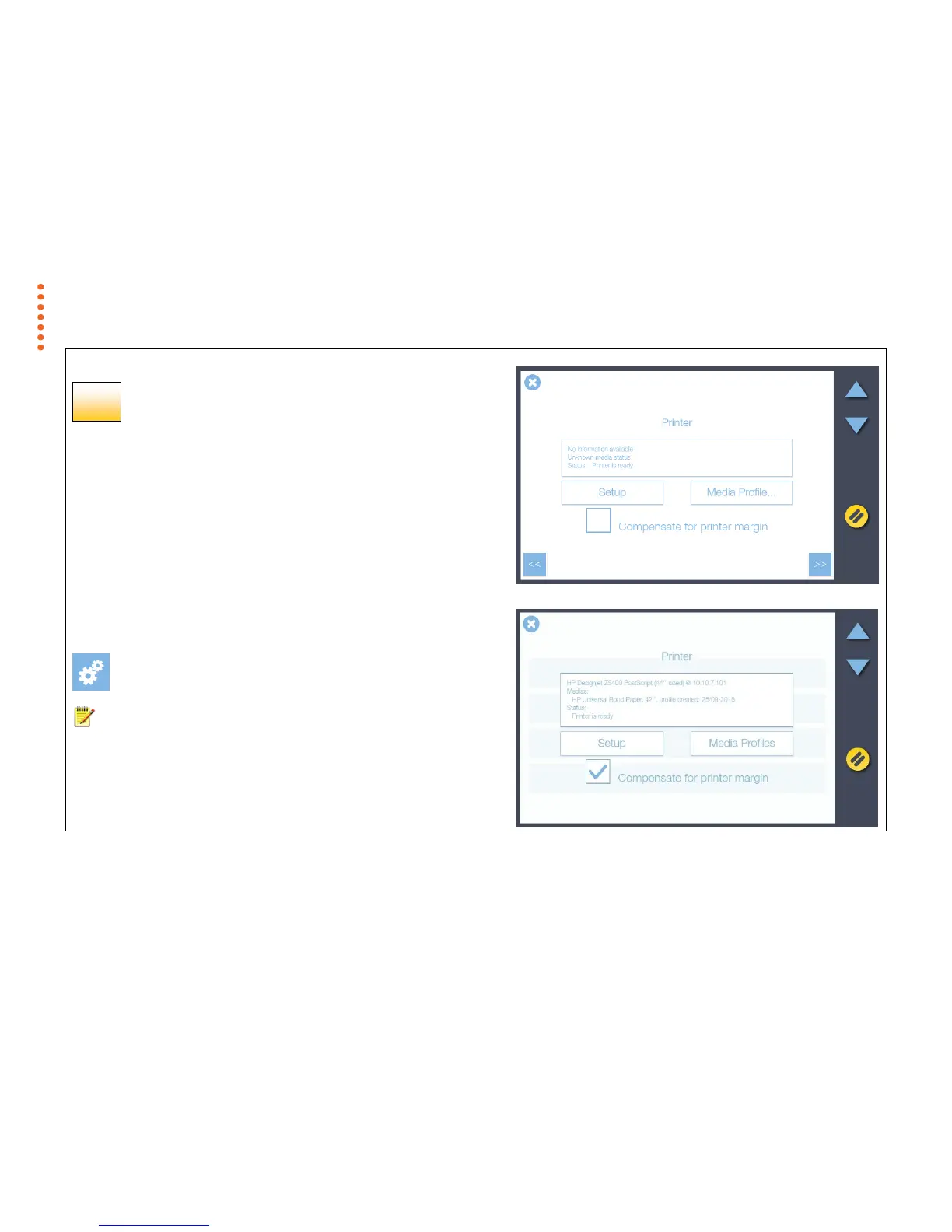
1. Press Setup to select and set up your printer for making copies.
2. Enter the printer IP address (preceding zeros can be ignored, for example 050
can be entered as 50) and allow the scanner to locate it. Contact your IT
administrator if you don’t know the IP address settings for your printer.
3. Enable Compensate for the printer margin to have the scanner allow for the outer
paper edges that cannot be reached or printed on by the printer. This ensures
the unused margins in the printed original are not reproduced in the copy.
4. Press the Media Profiles button to start the media profile wizard.
You will need to create media profiles for every type of media that will be used with
the printer. Media profiles ensure optimal color copy results.
Press the Next button >>
[settings > system > printer]
NOTE: For Epson printers please select the media type loaded in the printer
through the printer’s control panel then choose the same media type from the choice
of medias displayed in the scanner media list. For optimal copying performance the
profile media-type chosen at the scanner should match the media-type loaded in the
printer.



 To Next Page