Scanner Installation
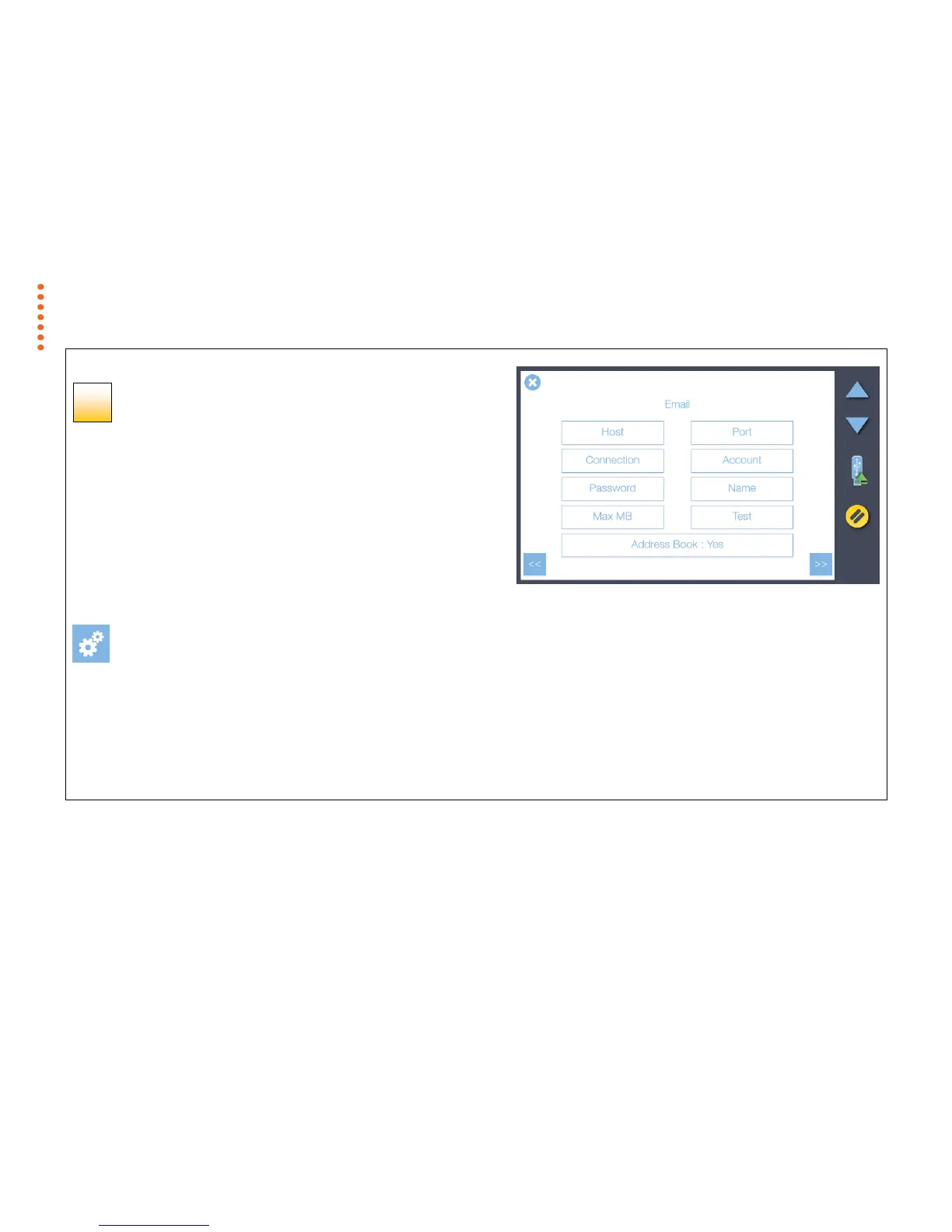
Entering the email server settings
Enter your email server details to have scans sent directly via email:
1. Host (server name), Port (port number) and Connection (security type).
2. Account and Password - for the target email account.
3. Name – email account name of the person to receive the scans.
4. Max MB - the maximum size of email the server should allow (including the
attachment)
5. Test - checks the email account settings entered above.
6. Address Book - if set to yes all email addresses sent to will be collected in an
address book for easy re-selection.
[settings > system > email]
Contact your IT administrator if you don’t know the exact settings.
You can skip this step during installation and complete it later if you want to.
Press the Next button >>



 To Next Page