Edition 03/2022 - ACE – Technical documentation - page 22
SACOME, CONFIDENTIAL Document, it is forbidden to duplicate or communicate this document without previous authorization.
5. The available menus are as follow:
The title of each menu is written on the 3 digits display.
Below the description of each menu:
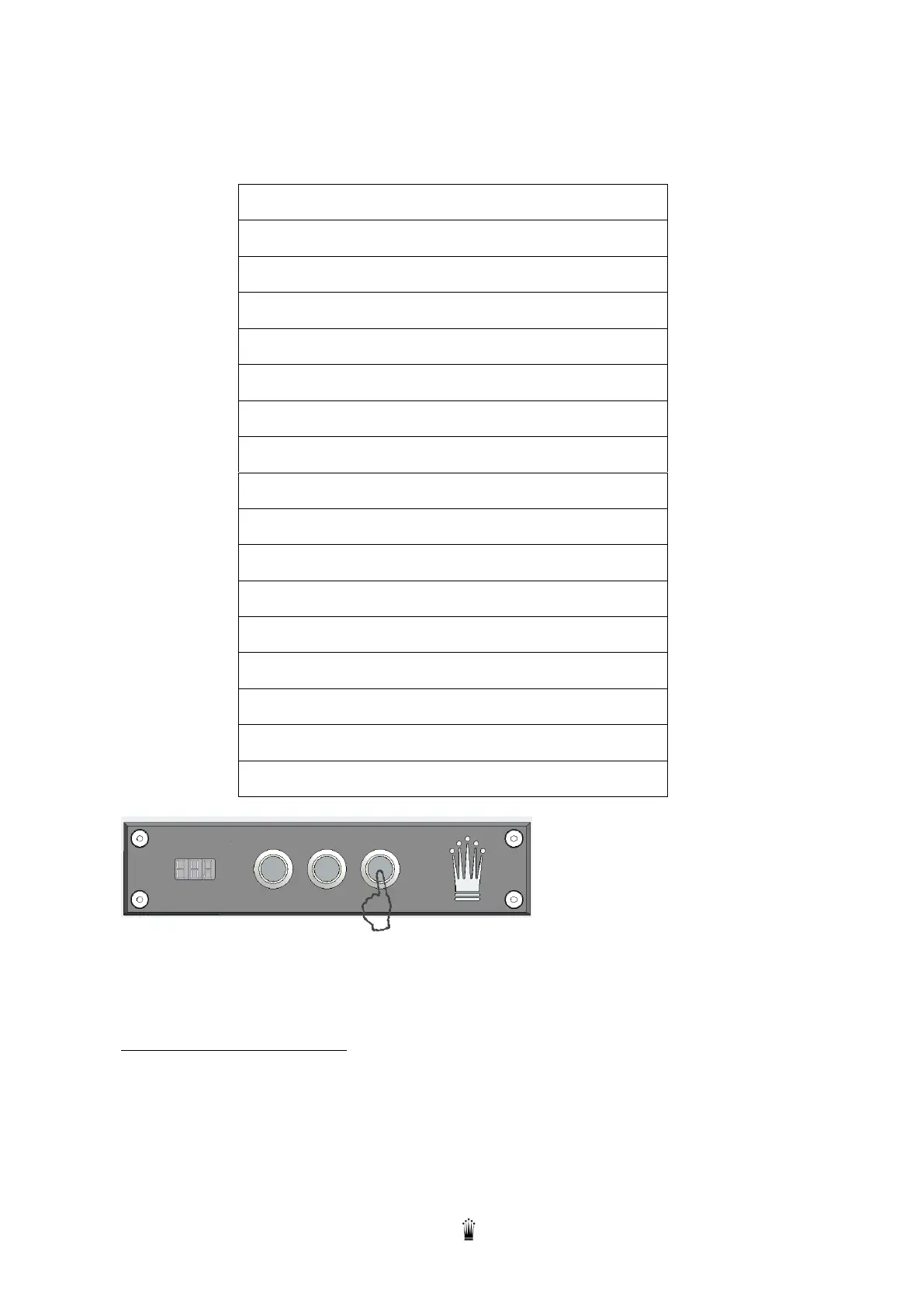
6. Access to each technical menu:
The access is done by pressing B3 (“Enter” button)
tCb Coffee Boiler Temperature
tCG Coffee group Temperature
F01 Filling up boiler with or without pump
F02 Coffee priority to Filling up boiler
F05 External lighting (not yet available)
F06 Water network / water tank
Once B3 (“Enter” button) is pressed, the display shows the value.
Change this value by pressing B1 (“-” Button) or B2 (“+” Button)
Once the value is changed, press B3 (“Esc” Button) to validate and back to general menu
STEAM BOILER TEMPERATURE
This value is the setting temperature of the Steam boiler.
The value can be set from 100 °c to 125 °C
Recommended value: 123 °C


 To Next Page