MONTE-CARLO - 11/2015 - SOFT V 2.11 41
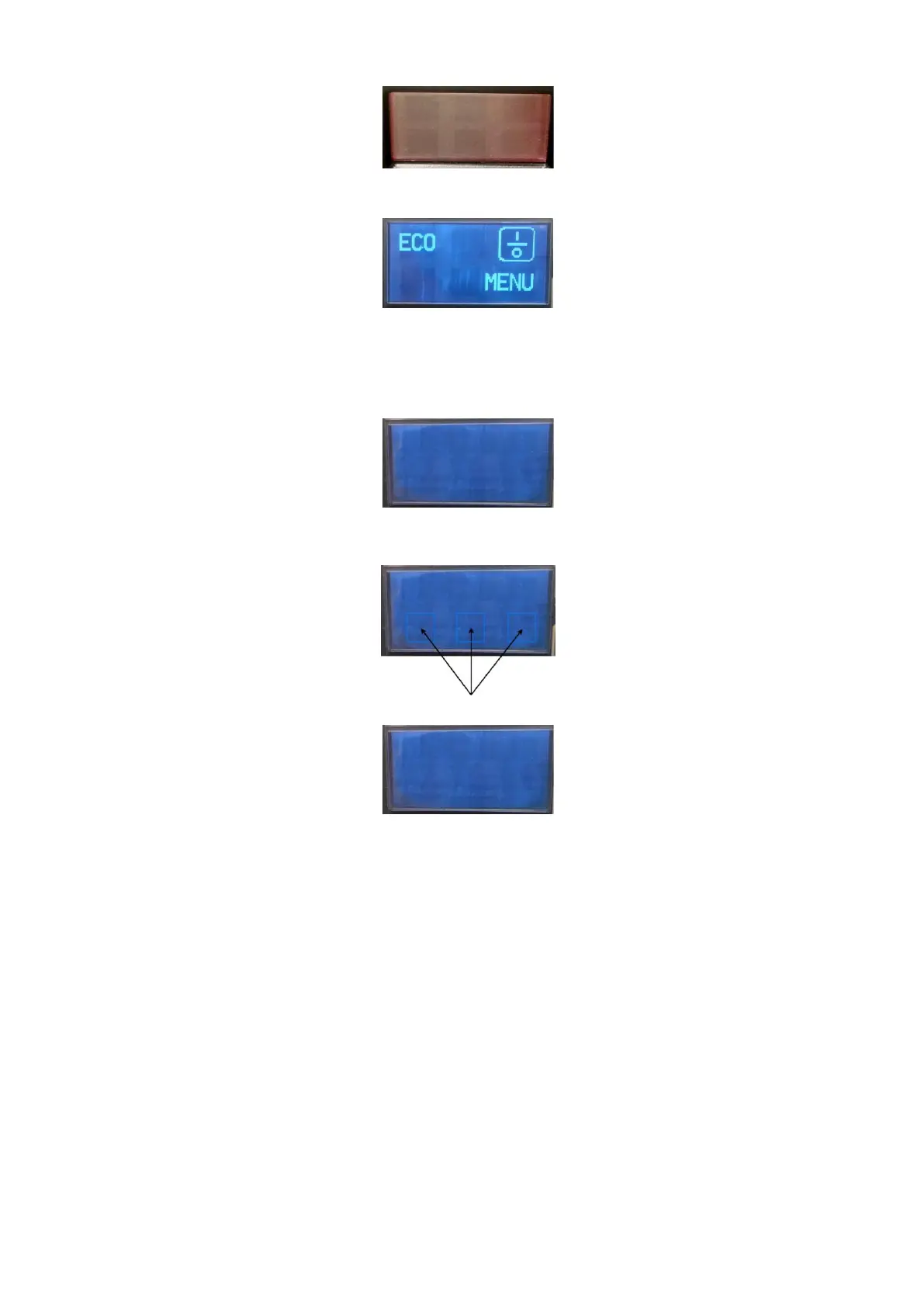
After this time the display shows a blinking red screen during 5 min.
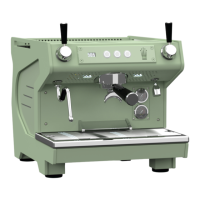
When the upgrade is finished the display shows:
Switch OFF the machine
Remove the USB key
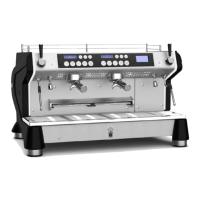
Switch ON the machine, as soon as the graphic display shows:
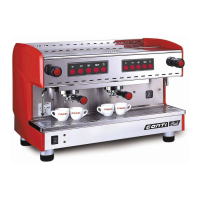
Press the 3 following keys for 3 seconds
When the display shows:
Switch OFF and switch ON the machine
The machine is ready.


 To Next Page