MONTE-CARLO - 11/2015 - SOFT V 2.11 40
14 SOFTWARE VERSION UPDATE
The step “USB interface” allows the updating of the machine’s software.
Prepare the USB key with a file named "update.bin" (this file is the new software
version)
Please make sure the USB stick does not contain any other file. It must be empty.
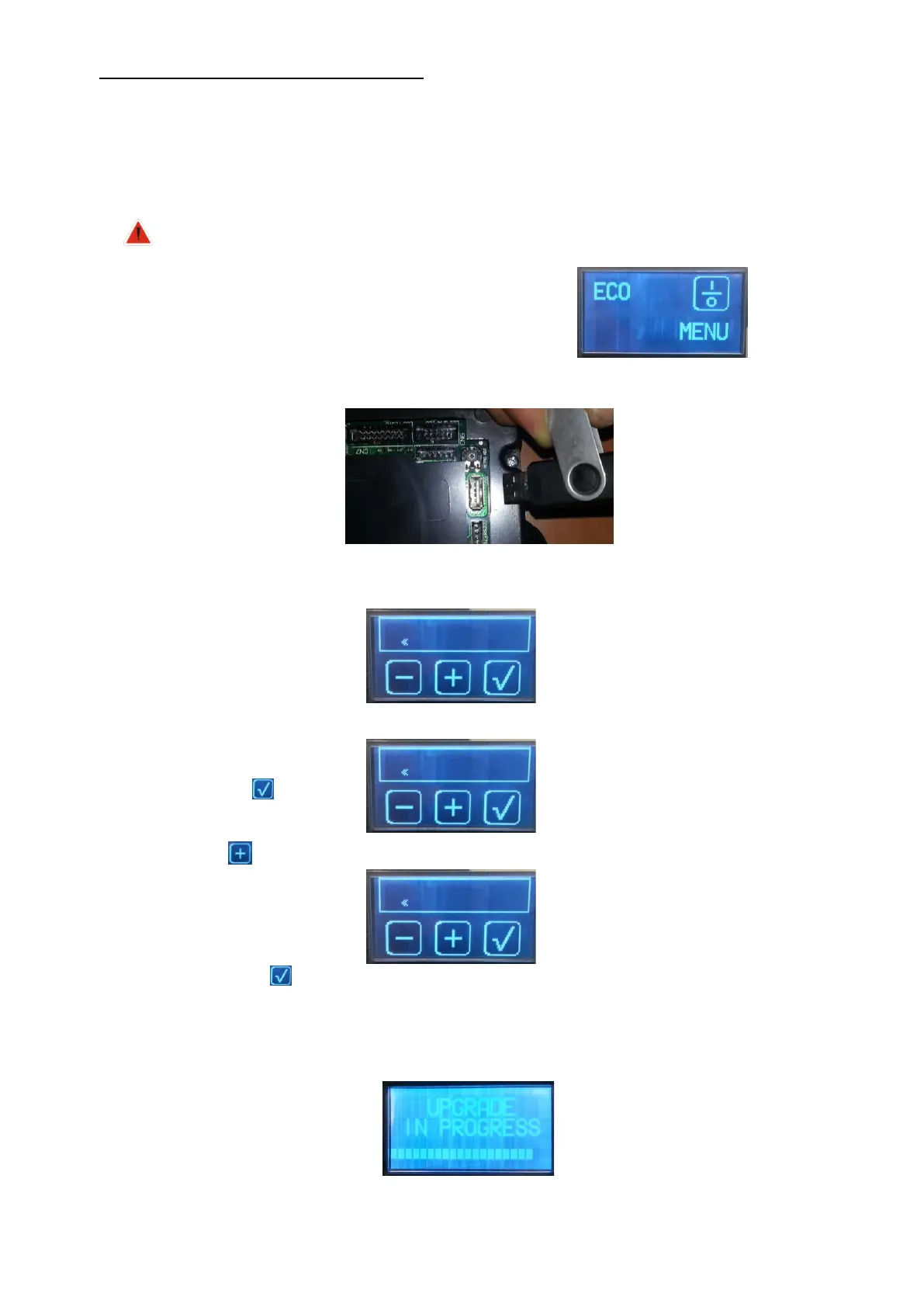
Put the machine on stand by; the display shows:
Insert the USB key in the mainboard
Press the Menu button for 5 seconds and go to step:
Press on
Press
The machine shows:
Then press
The machine start upgrating software
The display show a decreasing scrollbar:
The operation takes about 70 min.


 To Next Page