MONTE-CARLO - 11/2015 - SOFT V 2.11 7
5 FIRST INSTALLATION:
A. Open the water supply tap
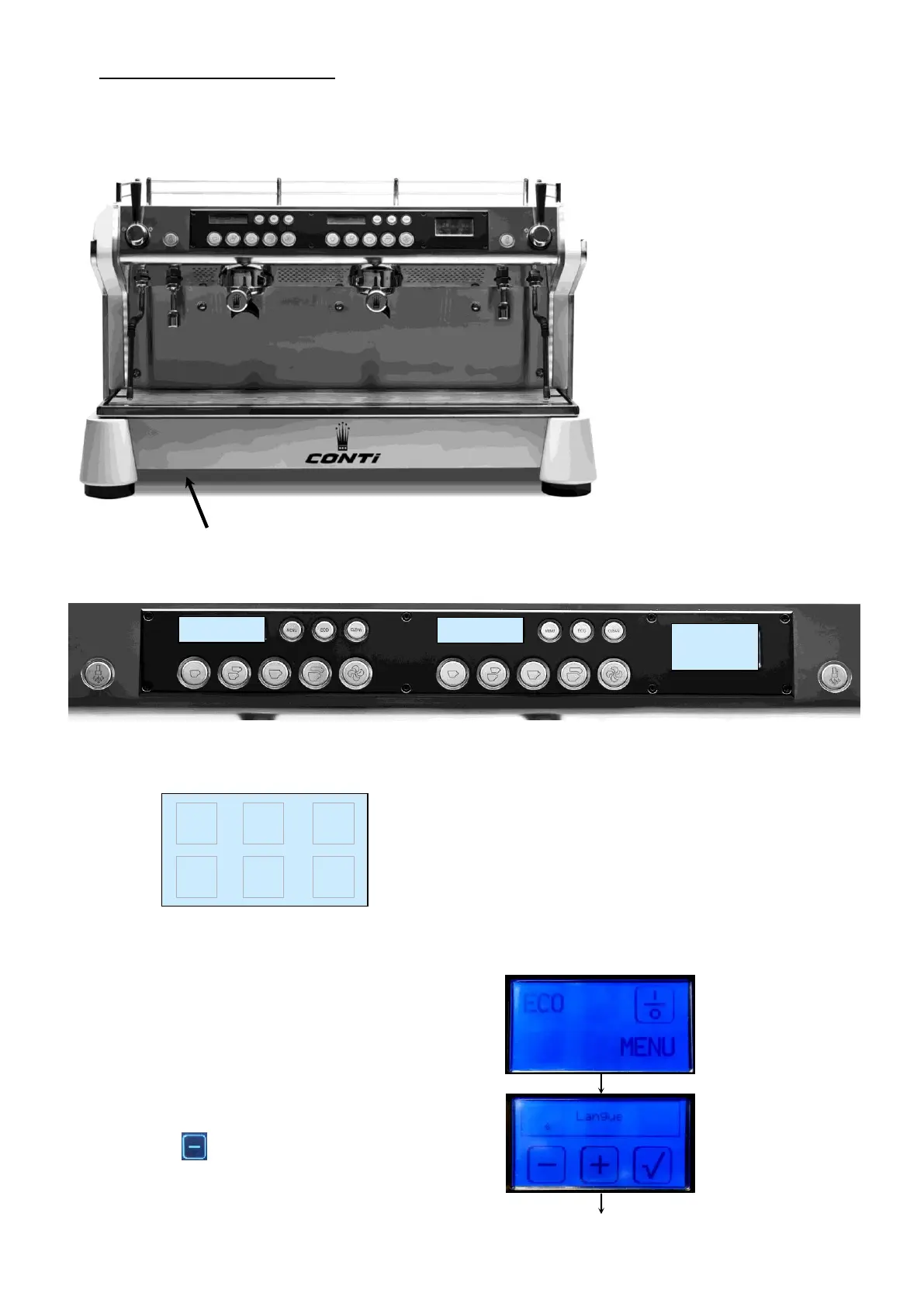
B. Switch on the machine using the ON/OFF switch under the drip tray.
C. During 1 second
The general display shows the software version “Monte Carlo 2.11”.
D. According the situation the display shows:
E. Enter the password to access the first installation, as follows:
1° step:
Press MENU for 6 seconds
Push "where you want" on the display during
3 sec until:



 To Next Page