5
Getting Started
1. Install the optional CICP1300NETBD2 on Super Two controller main board (refer to WI2545LF).
2. Using an Ethernet cable, connect the CICP1300NETBD2 network adapter to a DHCP enabled router (refer
to figure 1).
3. Power up the Super Two controller. The CICP1300NETBD2 will default to DHCP mode, and will request
and obtain an IP address from an available DHCP server. If a DHCP server is not found, an APIPA address
should be assigned to the CICP1300NETBD2. An APIPA IP address is in the range of 169.254.x.x.
Configuring the CICP1300NETBD2
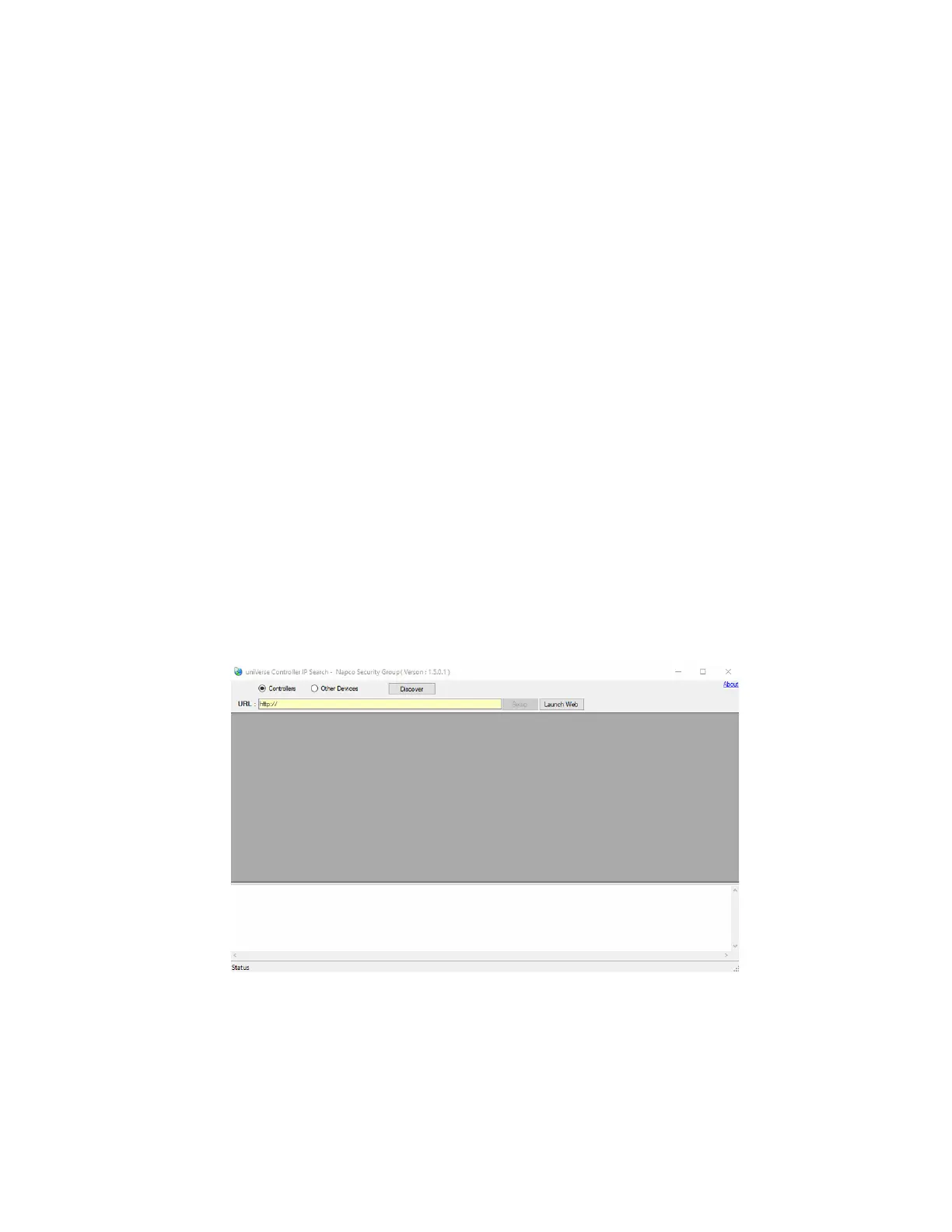
1. Launch the CardAccess.UniverseFinder.exe version 1.5.0.1 or later utility to discover the
CICP1300NETBD2.
2. Upon launching the utility, the IP Search screen will display.
3. On this screen, select Controllers and click Discover (refer to Figure 2).
4. Upon clicking the Discover button, the middle of the screen will display the devices found. Each device will
display the Mac Address and IP Address of the devices found (refer to Figure 3).
Note: The status bar will also display the number of devices found (n device(s) found).
Figure 2.



 To Next Page