8
Logging into the CICP1300NETBD2
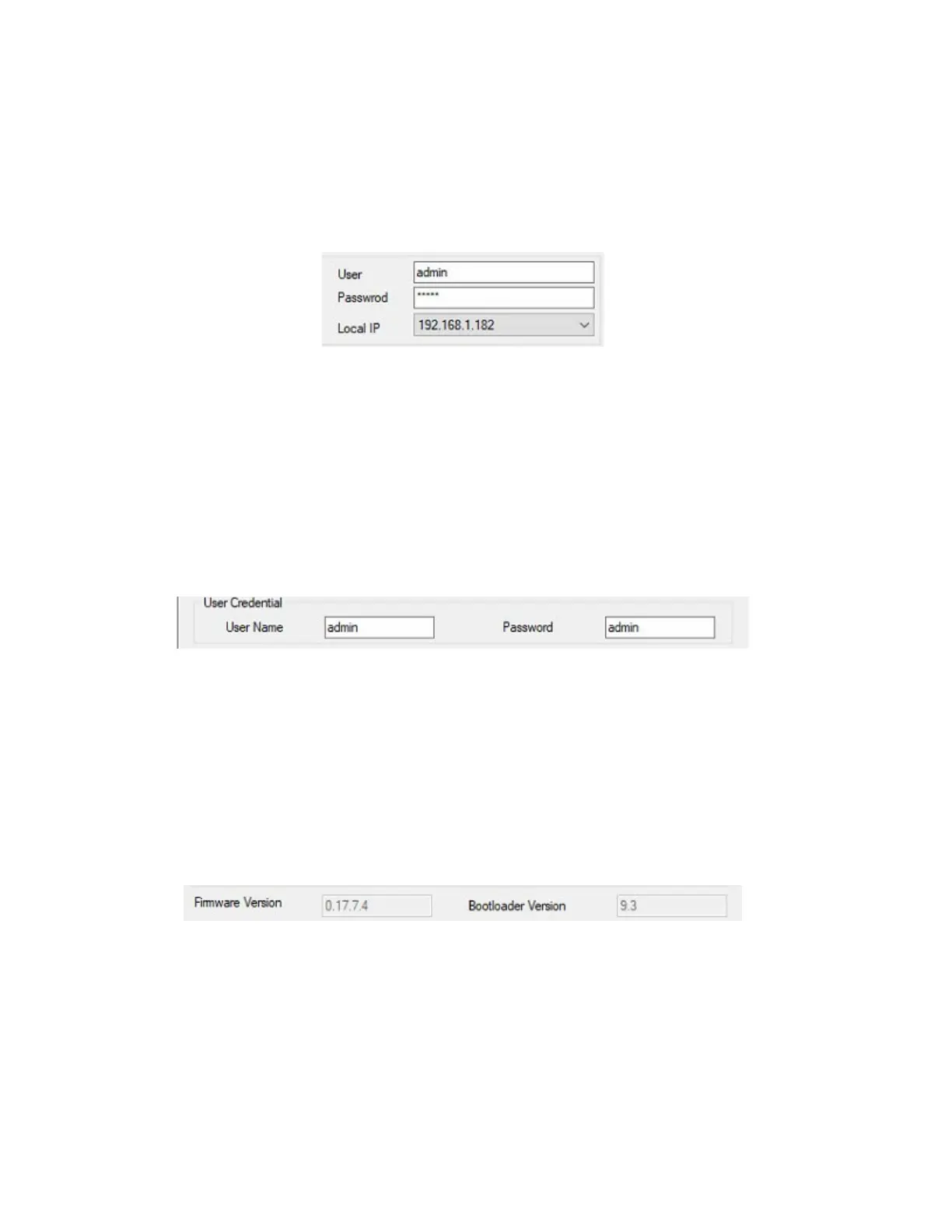
9. To communicate with the CICP1300NETBD2, you must log into the device (refer to Figure 7). By default,
the default log In credentials will populate. The default log in credentials are User = admin and Password=
admin. If you wish to change the default credentials, refer to step 10.
Figure 7.
10. To change the User Name and Password in the device, enter the new User Name and Password and click
Write Config button (refer to Figure 8).
Note: The next time you log in to communicate to the device as per Figure 7, you must use the new
credentials.
Figure 8.
Download NLM Firmware
11. Verify a Firmware Version is displaying (refer to Figure 9.) If the firmware is not displaying or up to
date, refer to step 12 (refer to Figure 11) to download NLM Firmware. To determine the latest available
Firmware version for the CICP1300NETBD2, refer to the CA4K Readme.txt and also look in the
Firmware folder as per Figure 11.
Figure 9.
12. Navigate to the CardAccess4K Firmware folder and select the latest CICP1300NETBD2 firmware file. Click
Open (refer to Figure 10).
Note: The firmware version for the CICP1300NETBD2 should be 17.7.7 or later.



 To Next Page