11
Figure 15.
Programming in a Static IP Address, Subnet Mask and
Gateway
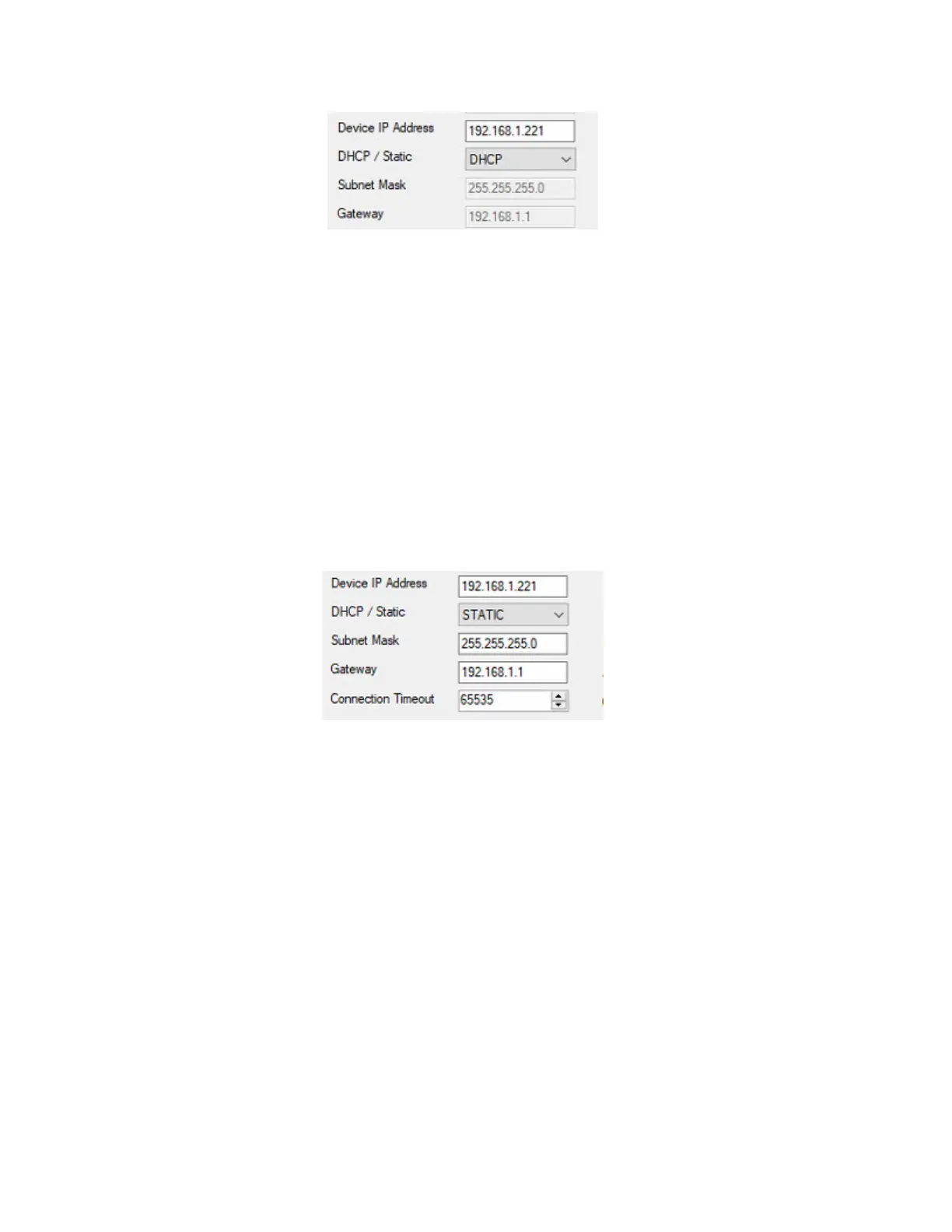
20. To program in a static IP Address, select STATIC in the DHCP/Static dropdown list.
21. Type in the Static IP Address, Subnet Mask and Gateway.
22. Upon entering the Static IP information, click Write Config button.
Note: For our demonstration, we will use the same IP address of 192.168.1.221 and set it to STATIC
(refer to Figure 16). Again, please contact the Network Administrator to get a static IP address.
Figure 16.
Programming Baud rate, Port number, Operation Mode
and AES setting
23. Select a Baud Rate. The default is 38.4K.
24. Change Server Port number. The default is 3001.
25. The Operation mode will be Legacy for CICP1300NETBD2 ethernet boards.
26. AES Encryption Type. The default is NONE.
27. Upon entering the Baud Rate, Server Port number and AES Encryption Type, click Write Config button.
Note: For our demonstration, we will use the default Baud Rate, Server Port number, Operation Mode and
AES Encryption Type (refer to Figure 17).



 To Next Page