13
APPENDIX A
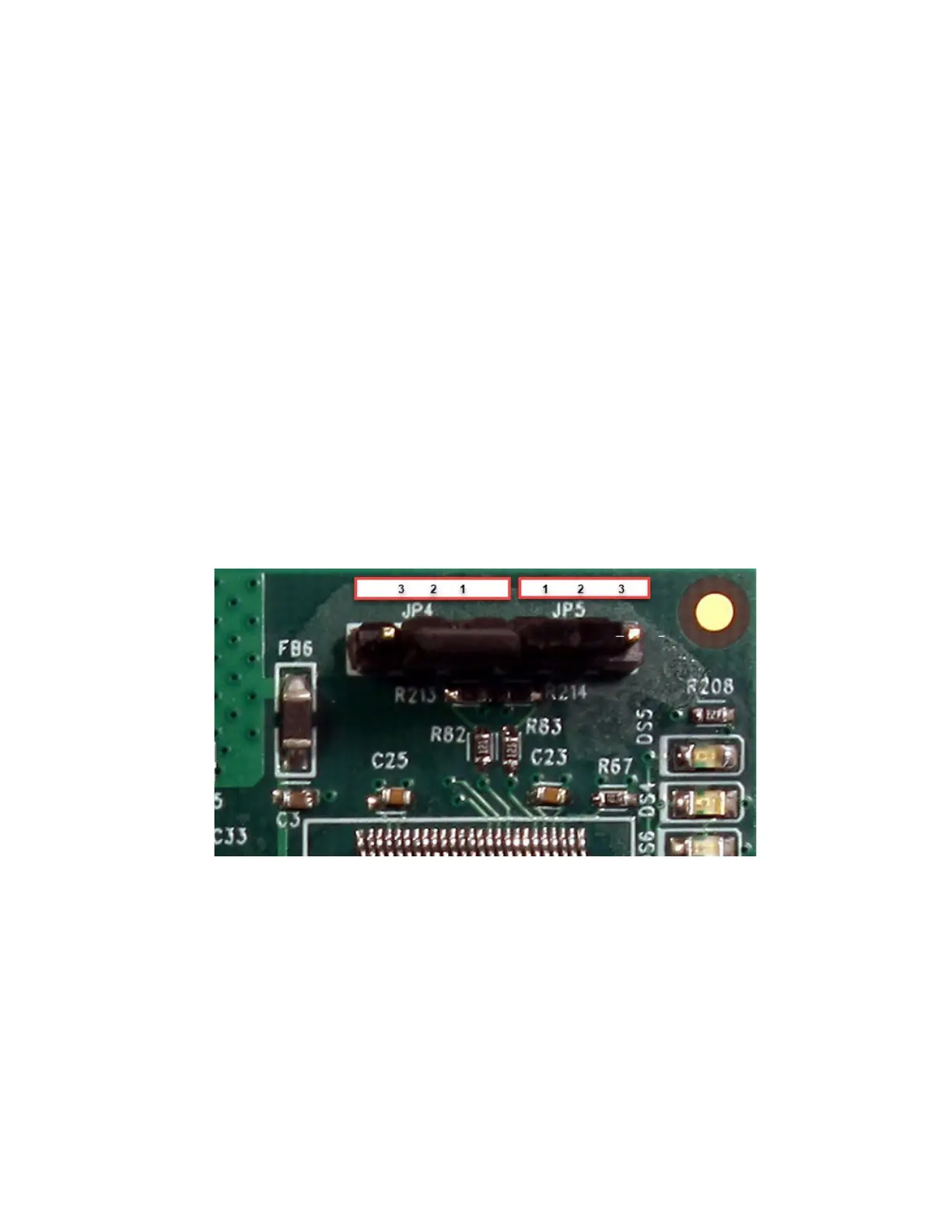
Reset IP Address and ethernet settings and default back
to DHCP (JP4).
Note: Refer to WI2545 and WI1265CLF for additional instructions on resetting the ethernet settings using
the JP4 jumper.
1. If the Universe Finder utility fails to find the CICP1300NETBD2, there might be an
incorrect IP address programmed into the Ethernet Network adaptor, that is on a different
subnet. To clear any previously programmed IP address information, you must move the
JP4 jumper from pins 1 and 2, to pins 2 and 3. After the jumper is on pins 2 and 3, cycle the
power to the Super Two controller. This will default the network adapter back to the default
DHCP mode. After the Super Two controller powers up, wait 5 seconds and then move the
JP4 jumper back to pins 1 and 2.



 To Next Page