ABOUT PRESSURE COOKING
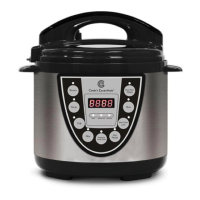
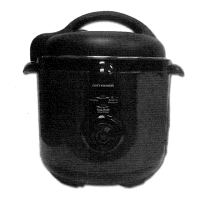
This digitally controlled and automatic pressure cooker uses advanced technology so you
and your family can enjoy the benefits of better, faster and healthier cooking. Your
Cook's Essentials Pressure Cooker seals in steam to cook hotter and faster while
maintaining important nutrients for healthier meals. Cooking fast and with less water
saves vital natural resources and energy! The unit features easy touch-button settings, a
countdown timer, and a cooking pot big enough for family gatherings! It’s the easiest
pressure cooker to use on the market. It may seem like a complicated unit but rest
assured, this pressure cooker is simple to use, makes meals quick and easy, and overall it
saves you money! Please accept our thanks for purchasing a Cook's Essentials Pressure
Cooker and Enjoy!
ELECTRICAL SAFETY WARNING
There is a potential risk of fire, electric shock or injury to persons if the product is not
used as instructed. Protection against electric shock is assured only if the main
power cord is connected to a properly grounded 120V | 60Hz power receptacle.
This product is to be used in an indoor environment only and is not intended for
commercial use. Dry locations only.
All parts and accessories for this appliance must be used properly according to the
instructions. All parts and accessories must be the original provided from
manufacturer. All other parts or accessories that is not intended for use with this
appliance is strictly prohibited.
The use of an extension cord, power adapter or other electric devices is highly not
recommended.
LED ERROR INDICATOR
If any of the below error codes appear on the pressure cooker display, unplug the
power cord and re-plug after 10 minutes. If the error code remains, contact the
manufacturer for a replacement part.
See Troubleshooting on page 18 for instructions regarding an E4 error.
Open Circuit of the Sensor
Short Circuit of the Sensor
Signal Switch Malfunction



 To Next Page