13
Cookshack SM160, SM260 & SM360 Operator’s Manual, V. 18.03.19
USB Download Instructions
With the IQ5 controller, you have the option to download your smoking, cooking
and holding logs to a FAT formatted USB flash drive. The IQ5 Controller will hold
1023 cycles which is approximately 512 hours of cook time.
To use this feature, while the smoker is on:
• Plug in your flash drive to the USB port.
• Press and hold the USB DATA button until the digital controller reads “File
Saved.”
• It will then ask “Do you want to clear log?”
• Press the UP or DOWN arrow until the controller reads “Yes” (The smoker will
clear your log as it runs out of memory. Clearing your log will stop the
accidental loss of data).
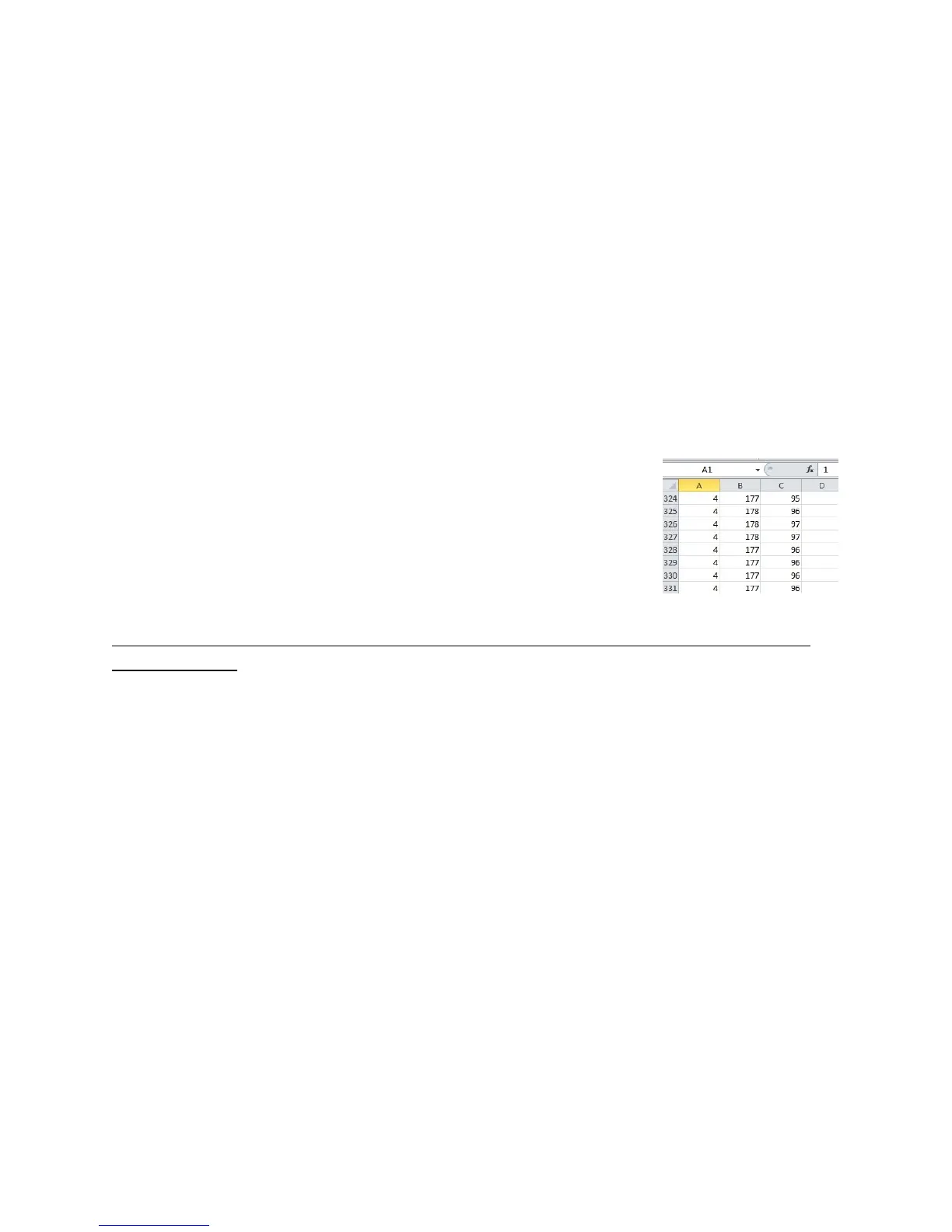
• Press OK. See Figure 3 for example download.
Shut Down and Maintenance Procedures
ALWAYS DISCONNECT THE OVEN FROM ITS ELECTRICAL SUPPLY BEFORE CLEANING
OR SERVICING.
When you think the product is finished, turn the Master Switch to the OFF position.
Wait ten minutes before opening the oven door to check the product for doneness.
When the product is done to your satisfaction, remove from the smoker.
Follow these shutdown procedures AFTER EACH USE:
1. Press Start/Stop button for 5 seconds.
2. Press the Power button
3. Switch the master switch to OFF
4. Unplug smoker from the outlet.
5. Allow oven to cool.
6. After allowing the oven to cool, carefully remove the wood box from the oven
and douse the contents with water.
NOTE: Failure to follow the shutdown procedure instructions may result in a fire hazard!
Follow these cleanup and maintenance procedures EVERY DAY:
1. Disconnect oven from power supply and allow the oven to cool.
2. Remove the grills and racks; Scrape and wash with soap and water (the racks
and grills can go into the dishwasher, however do not use any caustic oven
cleaners as they will destroy the plating on the grills).



 To Next Page