9
Cookshack SM160, SM260 & SM360 Operator’s Manual, V. 18.03.19
Control Panel Operation
Recommended cooking times and temperatures are based on full loads with no
holding cycle. Larger or smaller loads or the addition of holding time may require
adjustment of cooking time and temperature.
An audible signal indicates that the cook cycle is complete and that the oven is
going to the Hold Temperature Mode.
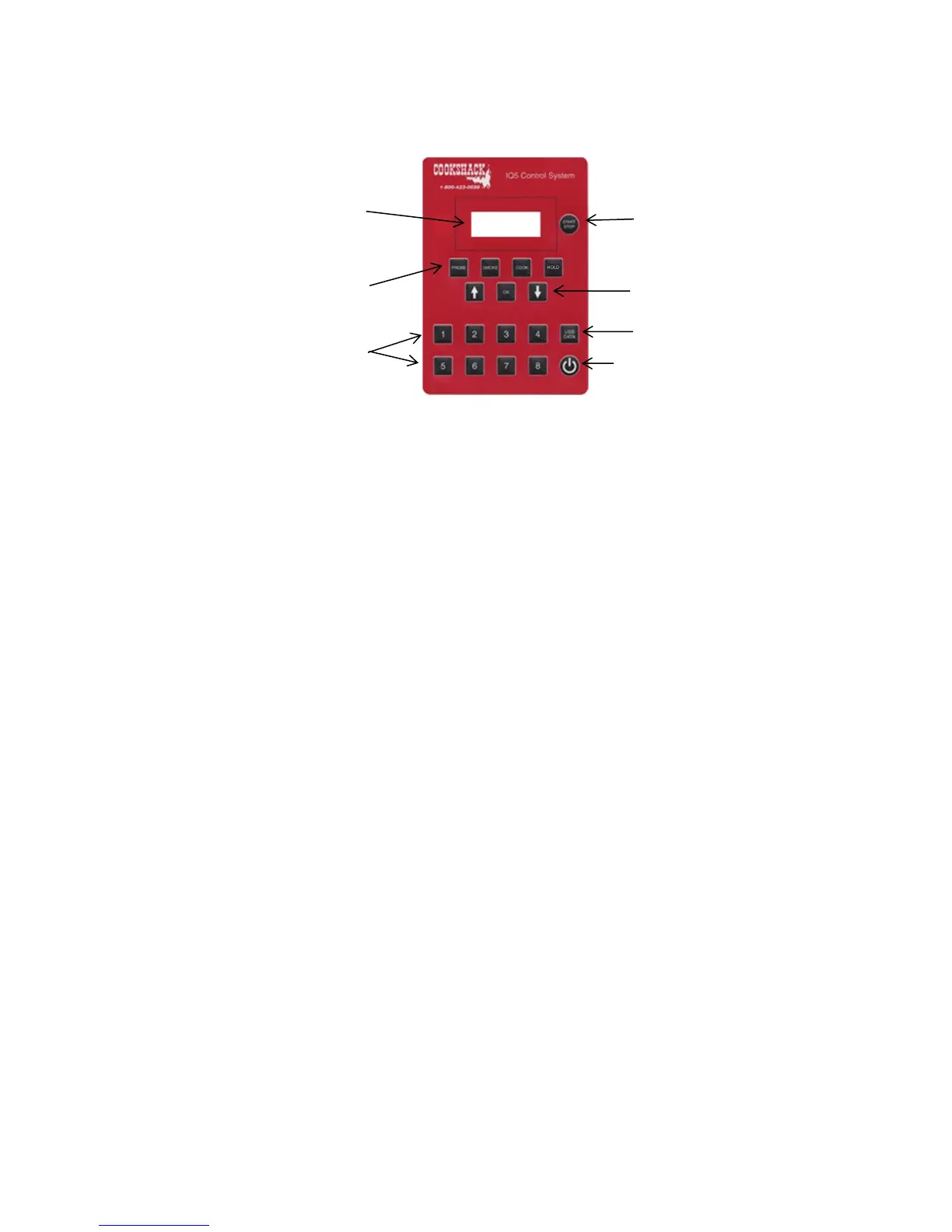
In order to see the set smoking temperature, cooking temperature, probe
temperature or holding temperature, briefly press the corresponding button and
press “OK.”
Smoke/Cook Mode (3 stage cooking)
SMOKE/COOK MODE is for standard operation and is the default mode.
Product will absorb more smoke at temperatures of 180°F or below, therefore, 3
stage cooking is ideal for increasing the amount of smoke flavor into foods.
In SMOKE/COOK MODE the smoker oven will cook at the set smoking temperature
for the set smoking time then will cook at the set cooking temperature for the set
cooking time. At that point, the controller will change to the set holding temperature
and remain there until the unit is manually shut down.
1. Make sure the Main Power Switch is ON.
2. If display reads off, Press the Power Button on the oven control panel.
3. Set Mode by pressing “PROBE” and use the UP or DOWN arrows until display
reads “TIMER” then press OK.
4. Set smoking time by pressing the SMOKE button and use the UP or DOWN
arrows to change smoke time setting.
5. Press OK.



 To Next Page