
 Need help?
Do you have a question about the Cooler Master Centurion 5 and is the answer not in the manual?
Step-by-step instructions for detaching the case side panels.
Procedure for securely mounting the motherboard within the chassis.
Guide for installing or replacing the computer's power supply.
Instructions for installing CD-ROM, HDD, FDD, and other drives.
Procedure for replacing or installing the rear cooling fan.
Procedure for replacing or installing the front cooling fans.
Instructions for installing the front panel I/O connectors.
 General
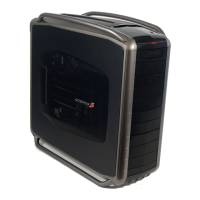
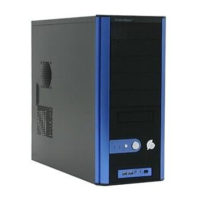
| Model | Centurion 5 |
|---|---|
| Case Type | Mid Tower |
| Motherboard Compatibility | ATX, Micro-ATX |
| External 3.5" Drive Bays | 2 |
| Internal 3.5" Drive Bays | 4 |
| Expansion Slots | 7 |
| Color | Black |
| Front Ports | USB 2.0 x 2, Audio In/Out |
| Cooling System | 1 x 120mm rear fan (optional) |


 To Next Page