Quick Start Guide
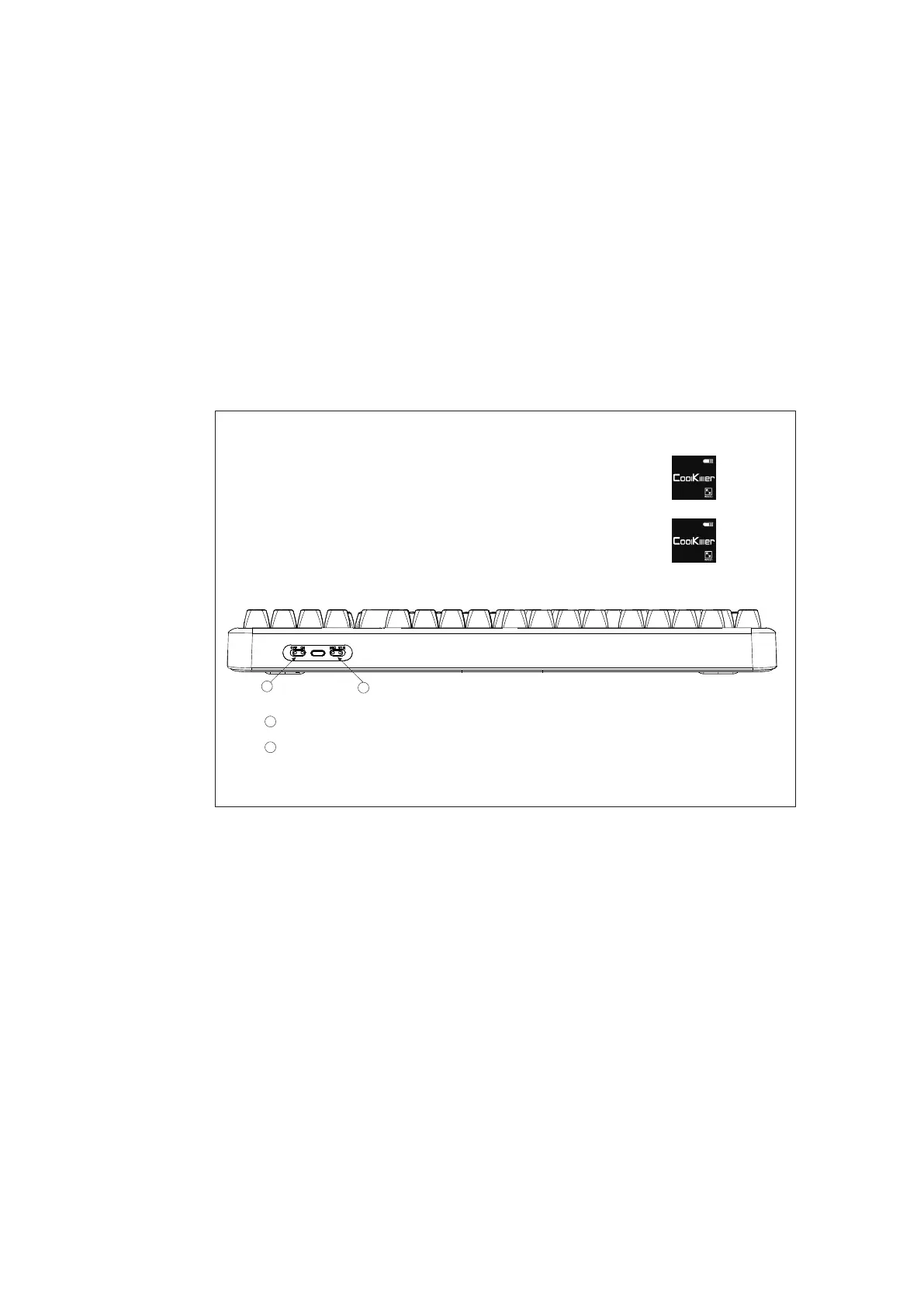
If you are a MAC user, flip the switch to switch to a MAC system
(After the conversion is successful, the MAC is displayed
in the lower left corner of the default screen)
If you are a WIN user, please flip the system conversion switch to WIN
(After the conversion is successful, the lower left corner
of the screen is WIN by default)
WIN
MAC
1
2
1
Power switch (built-in lithium battery)
2
System transfer switch
14



 To Next Page