5.Charging
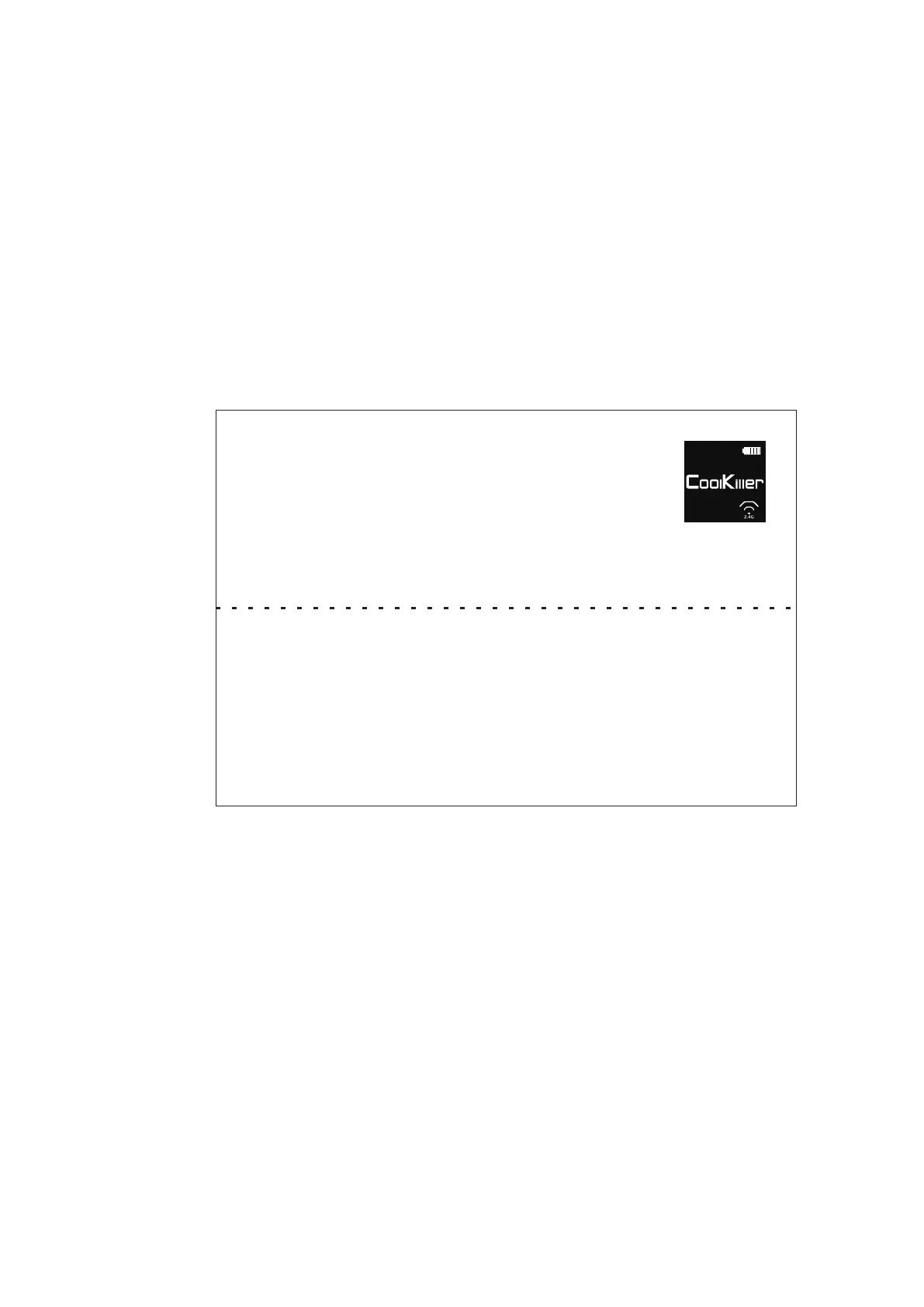
Charging status The charging indicator animation is displayed in the
upper right corner of the default screen
*1,Lamp working current 250MA Sustainable time about 15 hours
(working all the time)
*2,Off working current 40MA Sustainable time about 80 hours
(always working)
*3,Standby current 0.5MA Standby time about 180 days
*4,Enter standby mode. Press any key to start the keyboard and enter working mode.
6.Back to the
1.Keyboard startup defaults to the last connected device
2.fn+1 (fn+2, fn+3) White slow flash connection
*To do this, the keyboard must have been paired with the device
WIN
17



 To Next Page