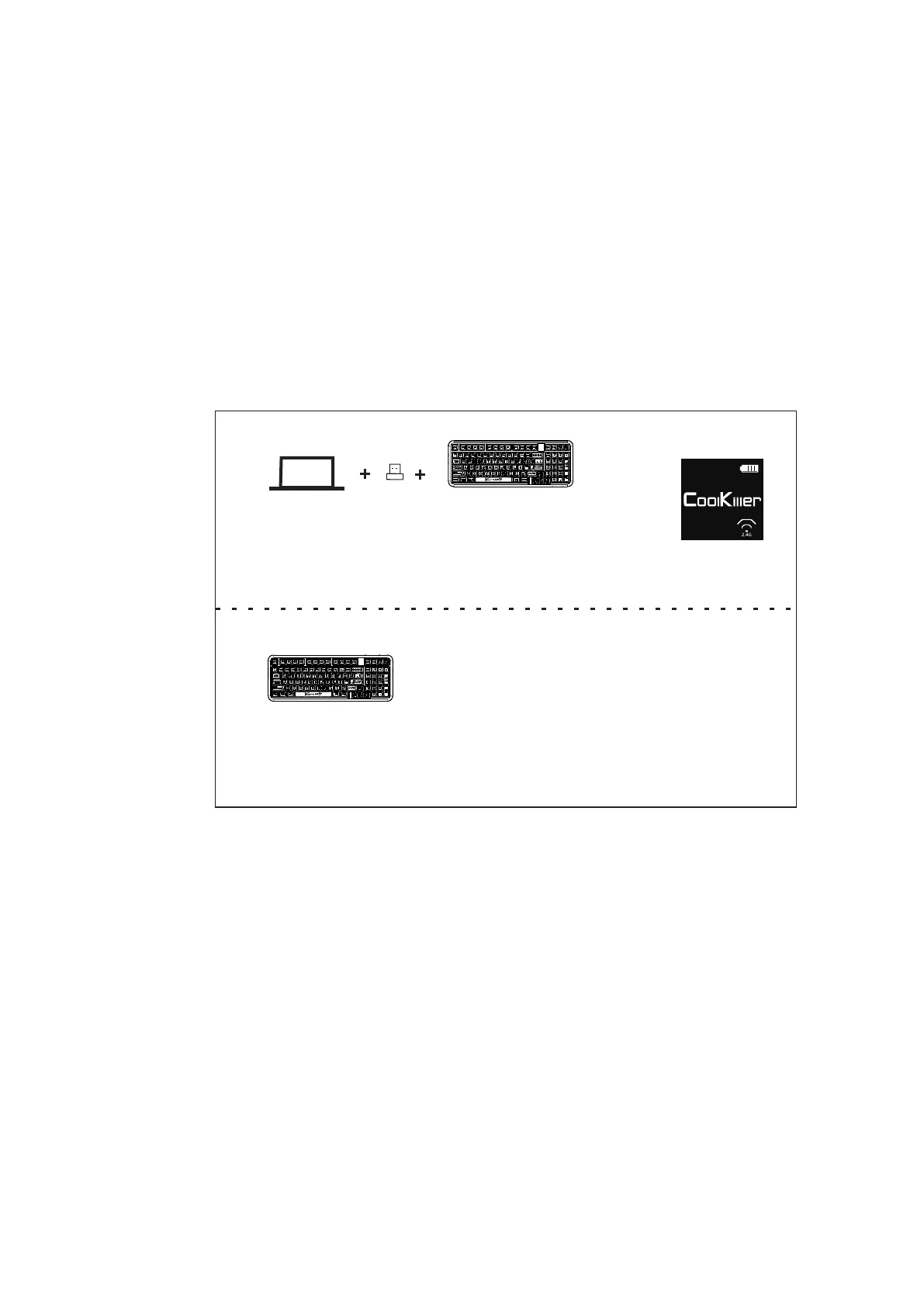
Short press fn+4 and long press fn+4
Set the keyboard to 2.4G pairing mode
3.2.4G Mode
Long press the back 4 button and the white light will flash.
After the pairing is successful, the 4 keys will be on for 2
seconds and the backlight will be restored(2.4G logo is at the
lower right corner of the screen in the default interface)
WIN
4.Changing lamp effect
fn+INS Adjust the lighting mode
fn+DEL Switching monochrome colors
fn+PGUP Turn the backlight off/on
16



 To Next Page