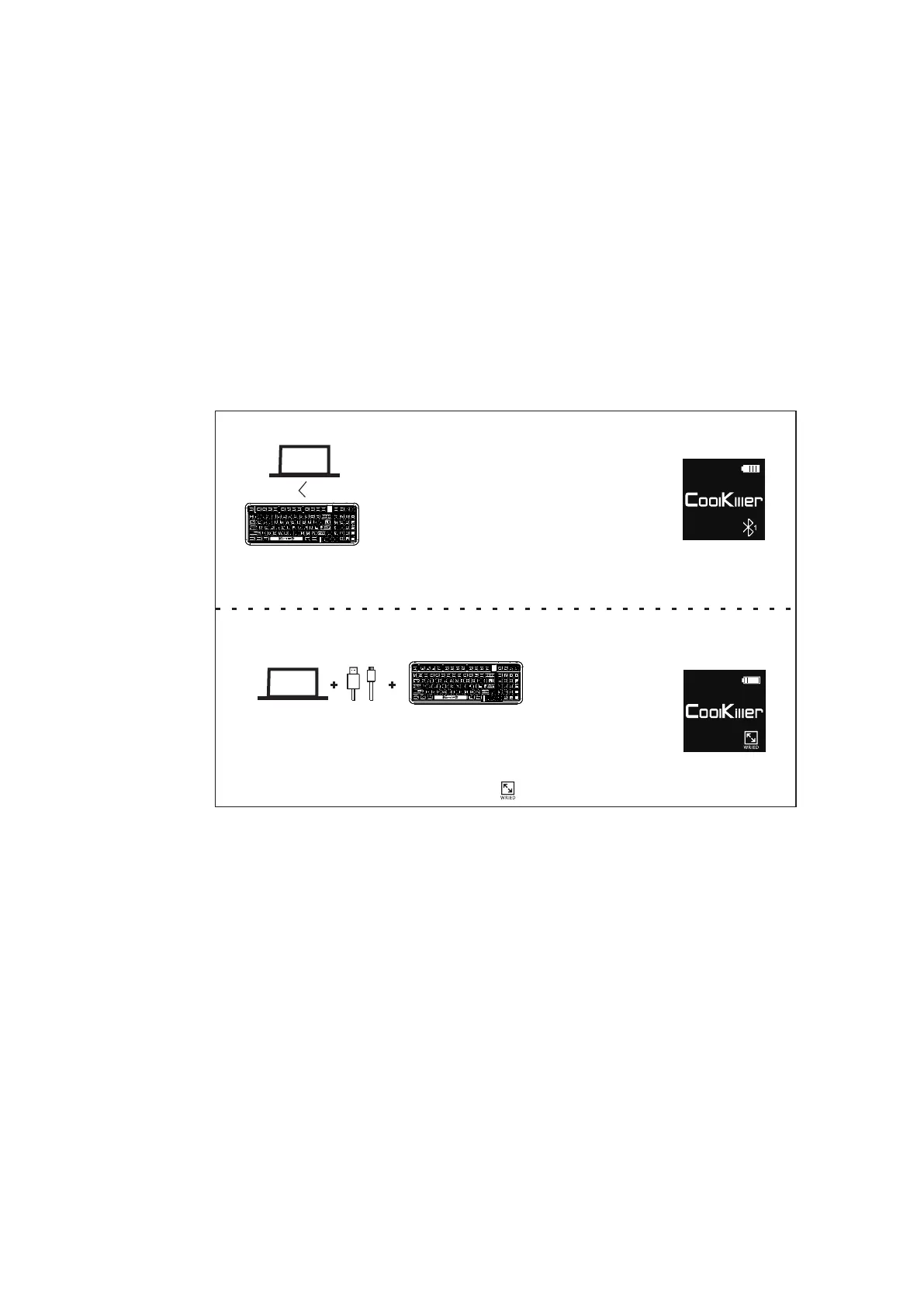
1.Connect to Bluetooth
Press fn+1/2/3 and then hold down fn+1/2/3
Put the keyboard into pairing mode,
The keyboard pairing name is CK98 5.0/CK98 3.0
Long press 1/2/3 button and the white light
will flash.After the match is successful, the
1/2/3 button will keep on for 2 seconds and
restore the backlight(By default, the Bluetooth
identifier is at the lower right corner of the screen.)
MAC
2.Connecting wire
Long press fn+5 to put the keyboard into wired mode
Long press the back 5 button and the white light will flash.
After the pairing is successful, the 5 keys will be on for 2
seconds and the backlight will be restoredBy default, the
lower right corner of the screen is
WIN
15



 To Next Page