9
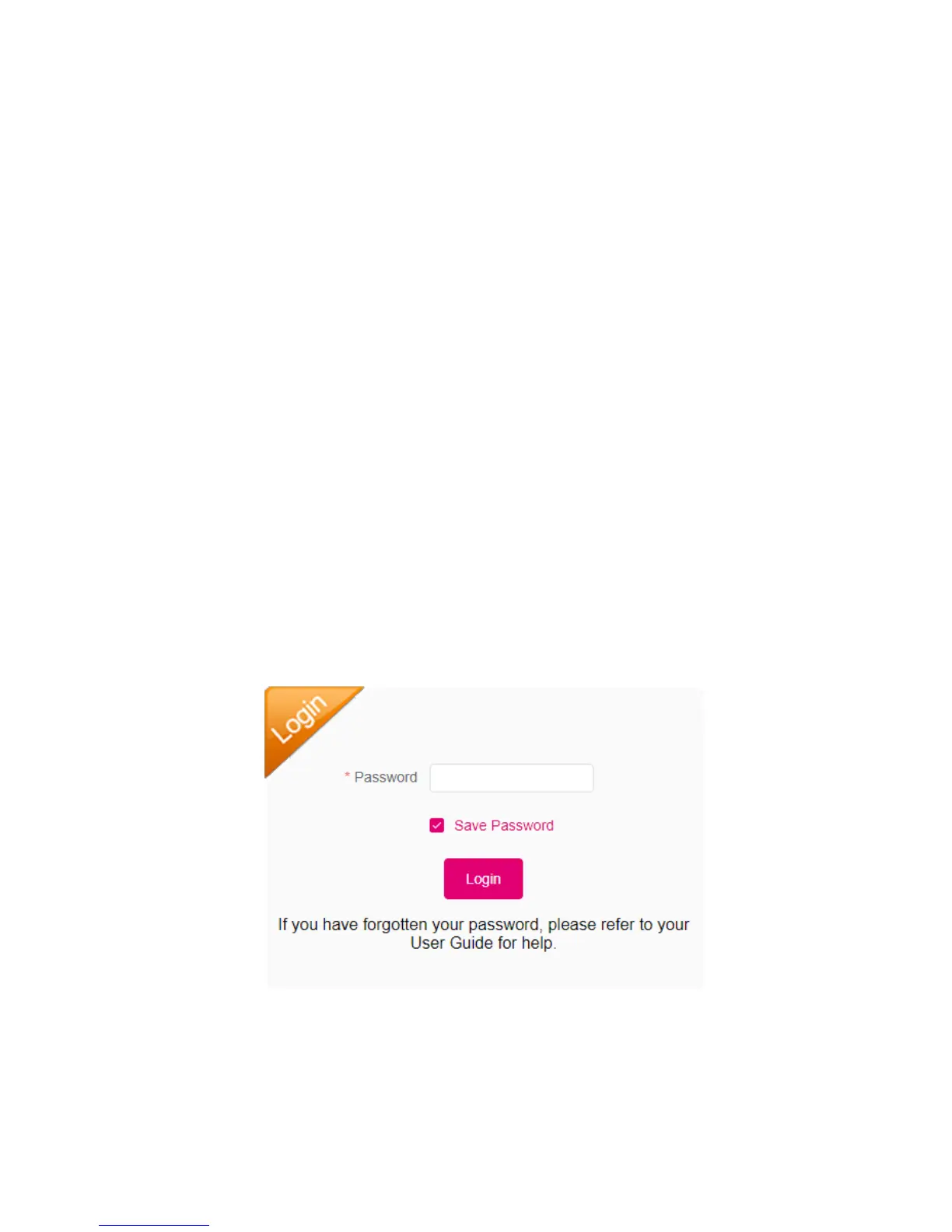
4. Click Login. If you entered the correct password, the Web User Interface screen
appears.
Access Mobile Hotspot Using USB Cable
1. Connect your Coolpad Surf Mobile Hotspot to the computer with the USB cable.
2. Power on your device.
3. The computer operating system detects and recognizes new hardware and finishes
the installation automatically.
4. Open a browser and enter http://mobile.hotspot or http://192.168.0.1 in the address
bar. The Coolpad Surf Mobile Hotspot login screen will appear.
5. Enter your Password in the field provided. The default password is "admin".
6. Click Login. If you entered the correct password, the Web User Interface screen
appears.
Note: Windows (32 bit & 64 bit) 7/8/8.1/10, Mac OS X 10.6 to 10.11 supported.


 To Next Page