4
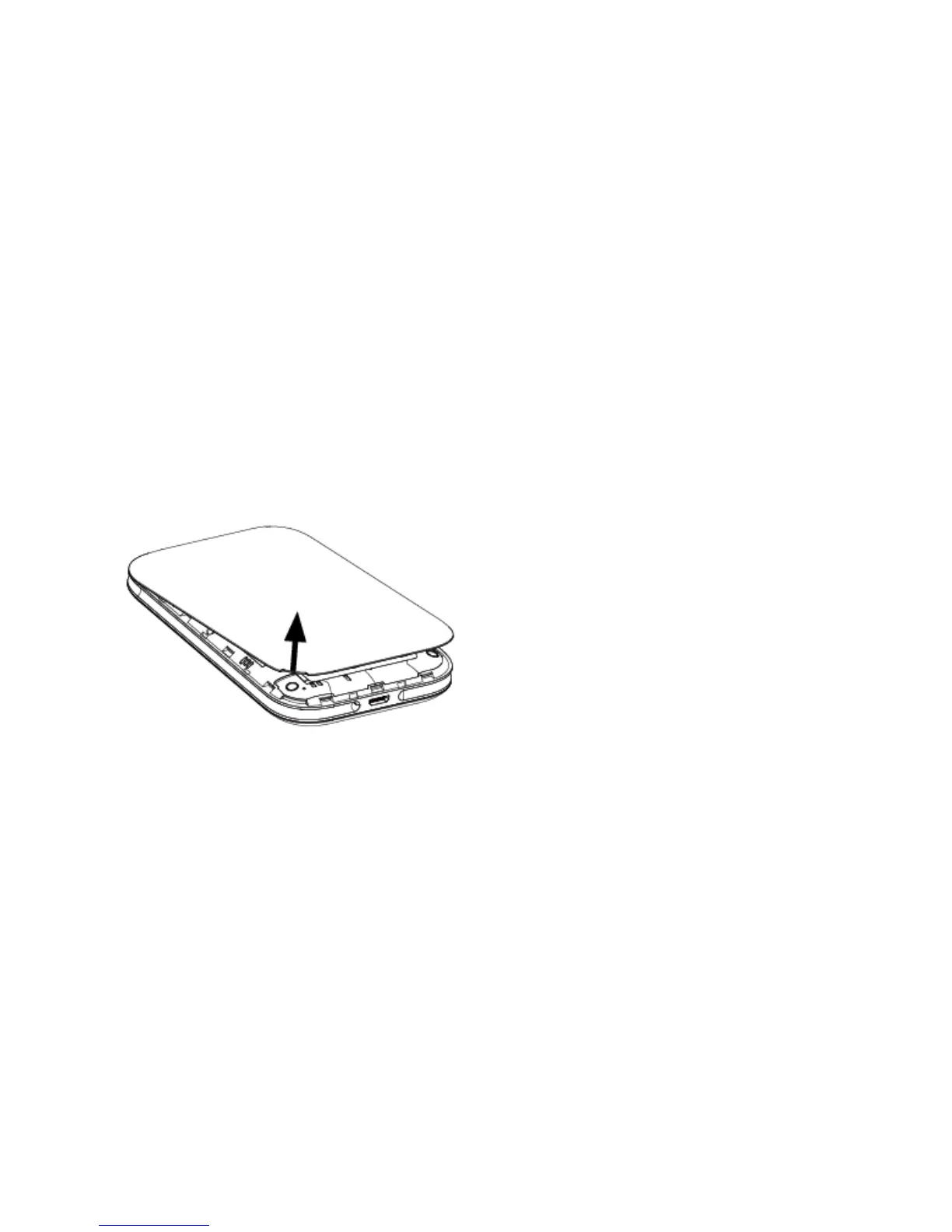
Charging Your Mobile Hotspot
1. Connect the microUSB end of the USB cable to the USB port on your device.
2. Connect the other end to the travel adapter.
3. Connect the travel adapter to an electrical outlet to fully charge your device.
Note: You can also charge the device by connecting it to a computer with the USB cable.
Setting Up Your Mobile Hotspot


 To Next Page